-
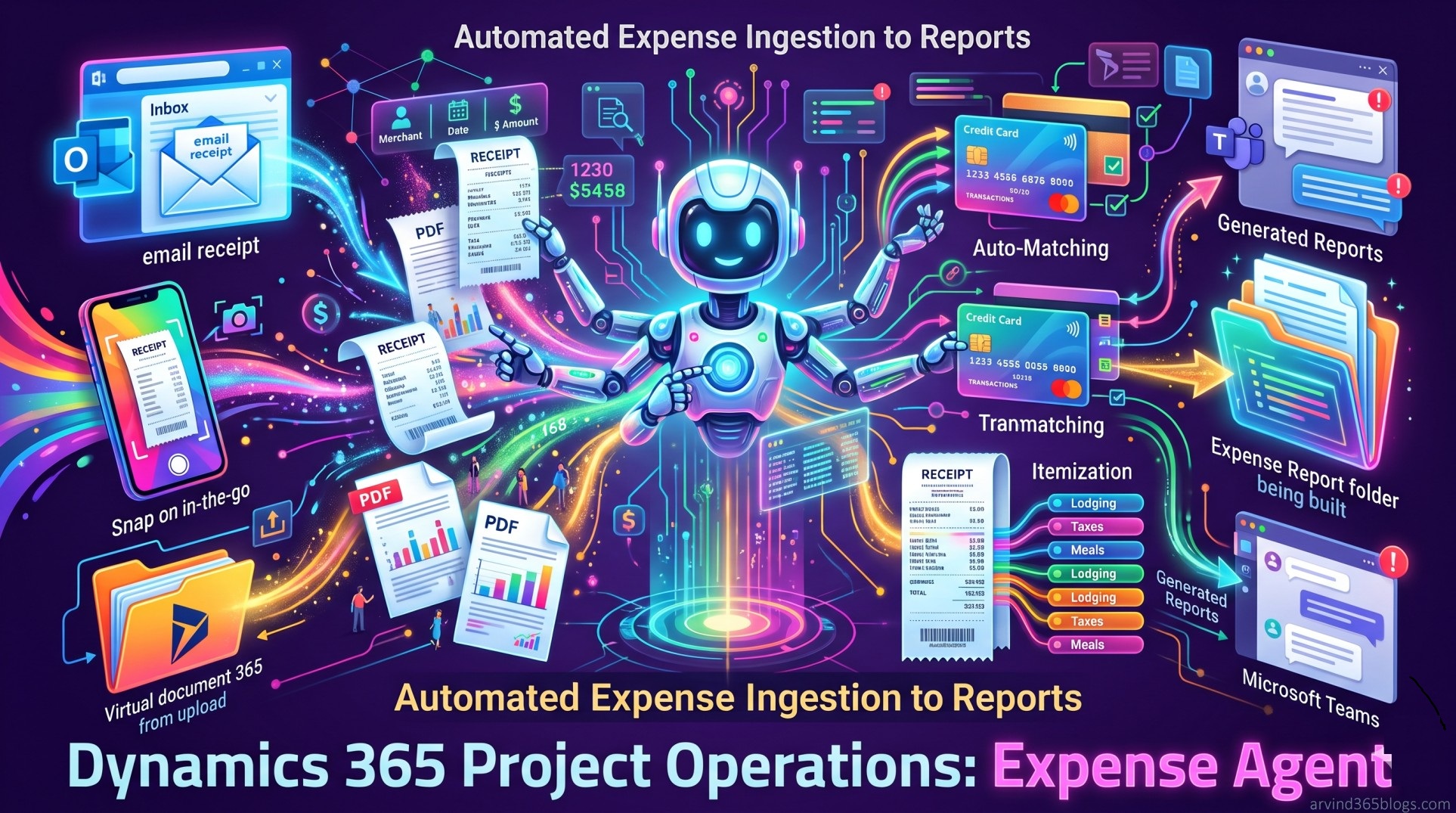
Expense Agent Overview (Preview) in Dynamics 365 Project Operations
Explore how the Expense Agent in Dynamics 365 Project Operations uses AI to simplify expense management - from receipt processing and expense line creation to itemization, report generation and Teams-based review. This blog looks at how AI can reduce manual effort while keeping people in control of the final review and submission.
-
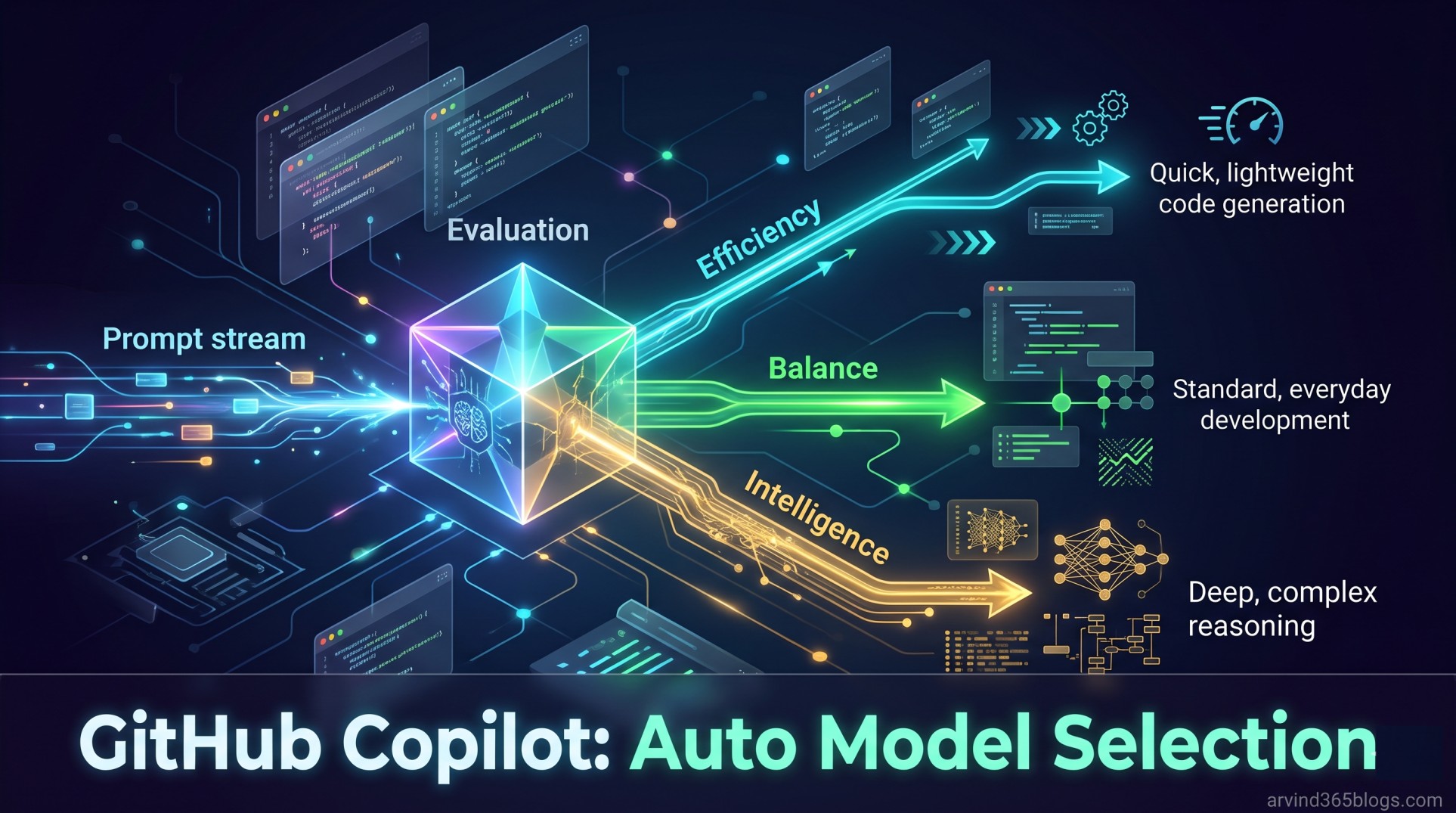
GitHub Copilot Auto Model Selection
GitHub Copilot Auto Model Selection explores how Copilot can automatically choose the right AI model based on task complexity, model availability and system health. Instead of spending time deciding which model to use, developers can focus on the problem they want to solve - making AI assistance simpler, smarter and more efficient.
-
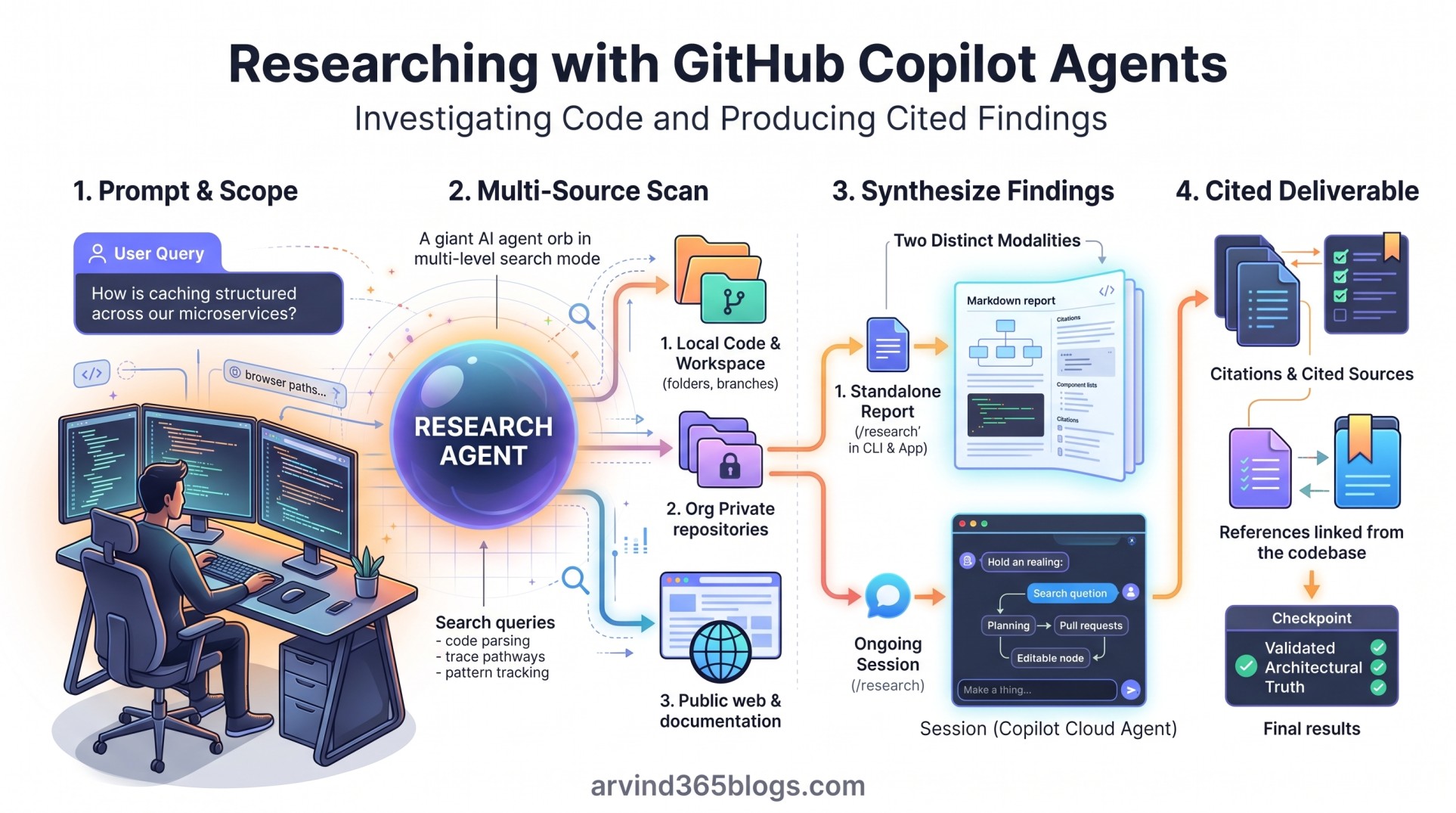
Researching with GitHub Copilot Agents
Writing code is often the straightforward part of engineering; the real bottleneck is researching unfamiliar codebases, auditing cross-service dependencies and validating architectural assumptions. With GitHub Copilot research agents, teams can move past conversational snippets to produce deep, cited Markdown reports via /research or conduct interactive investigations that flow directly into planning and pull requests. Explore how delegating multi-source technical research ensures your AI agents build on validated architectural truth.
-
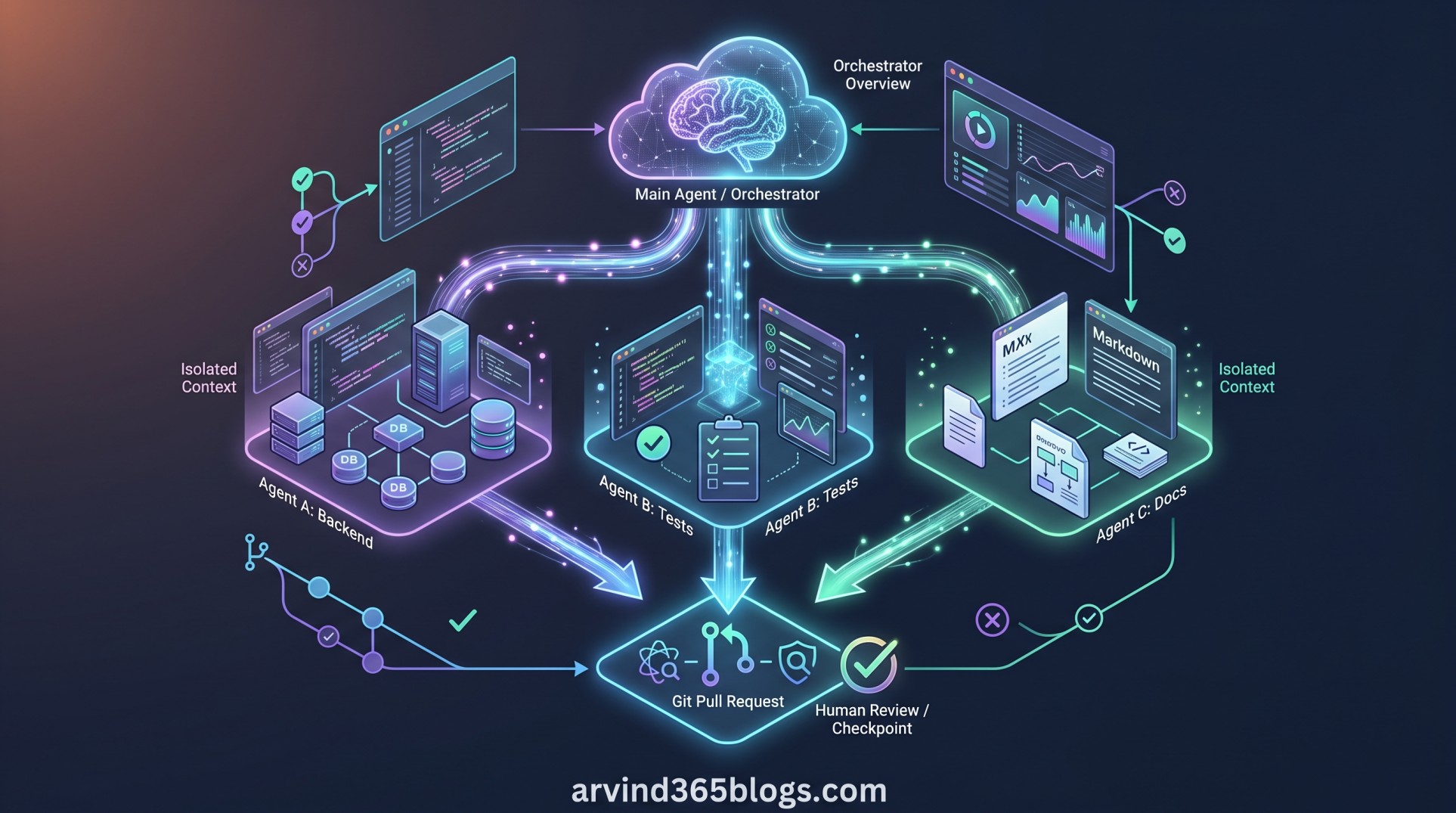
Delegating and Parallelizing Work with Agents
Tackle complex engineering objectives by moving from single-agent coding to an orchestrated agent team. Through GitHub Copilot's /fleet command, an orchestrator breaks down broad goals, isolates context boundaries and delegates independent tasks in parallel across backend, testing and documentation tracks. Explore how multi-agent coordination accelerates software delivery while keeping human review at the center.
-
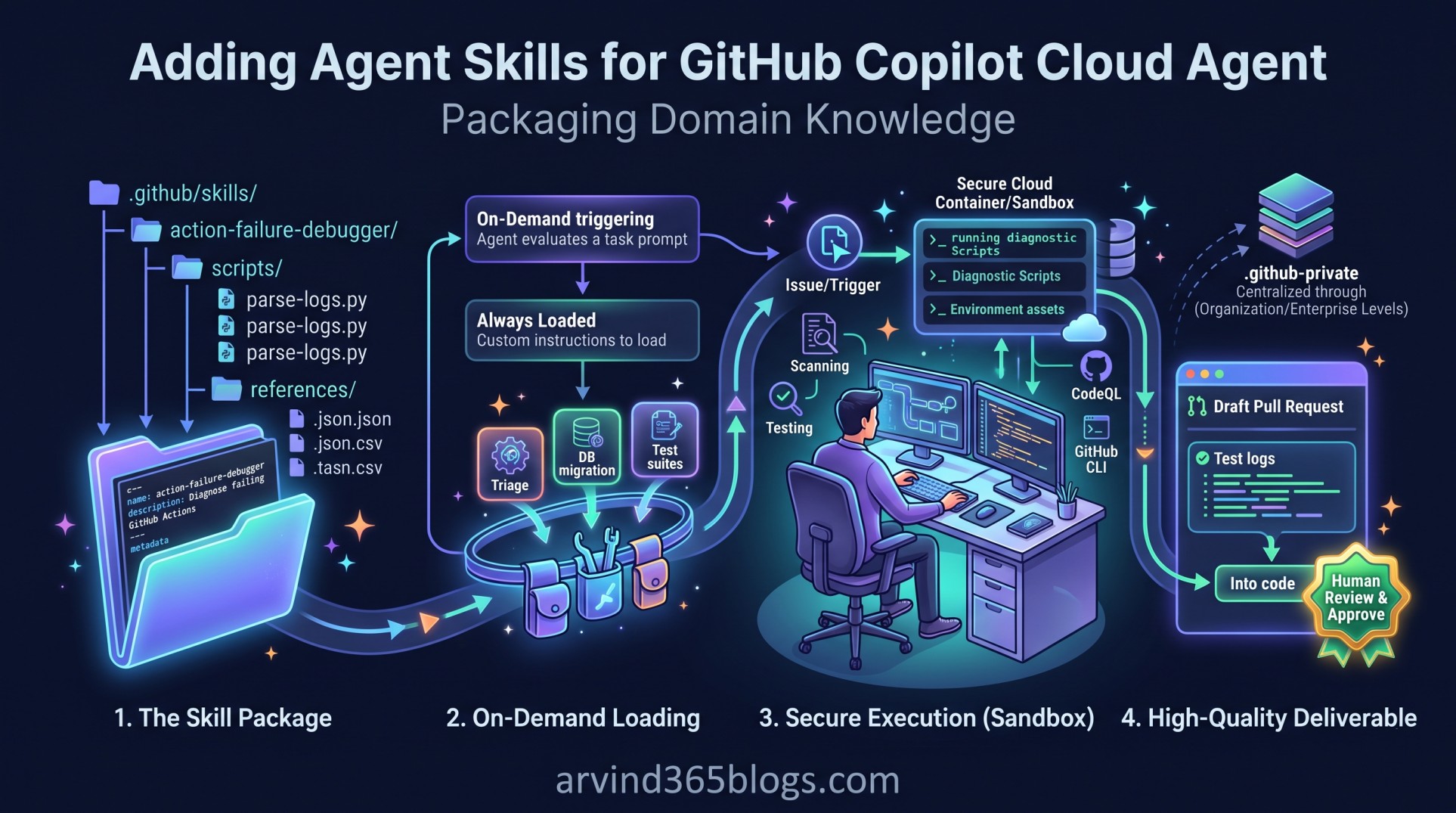
Adding Agent Skills for GitHub Copilot Cloud Agent
Move beyond monolithic prompt engineering by packaging institutional knowledge into modular, executable agent skills. Located in .github/skills/, these self-contained packages bundle structured SKILL.md playbooks, diagnostic scripts and reference data that Copilot Cloud Agent loads on demand to execute complex workflows with deterministic accuracy. Explore how agent skills turn static operational documentation into automated, high-quality pull requests.
-
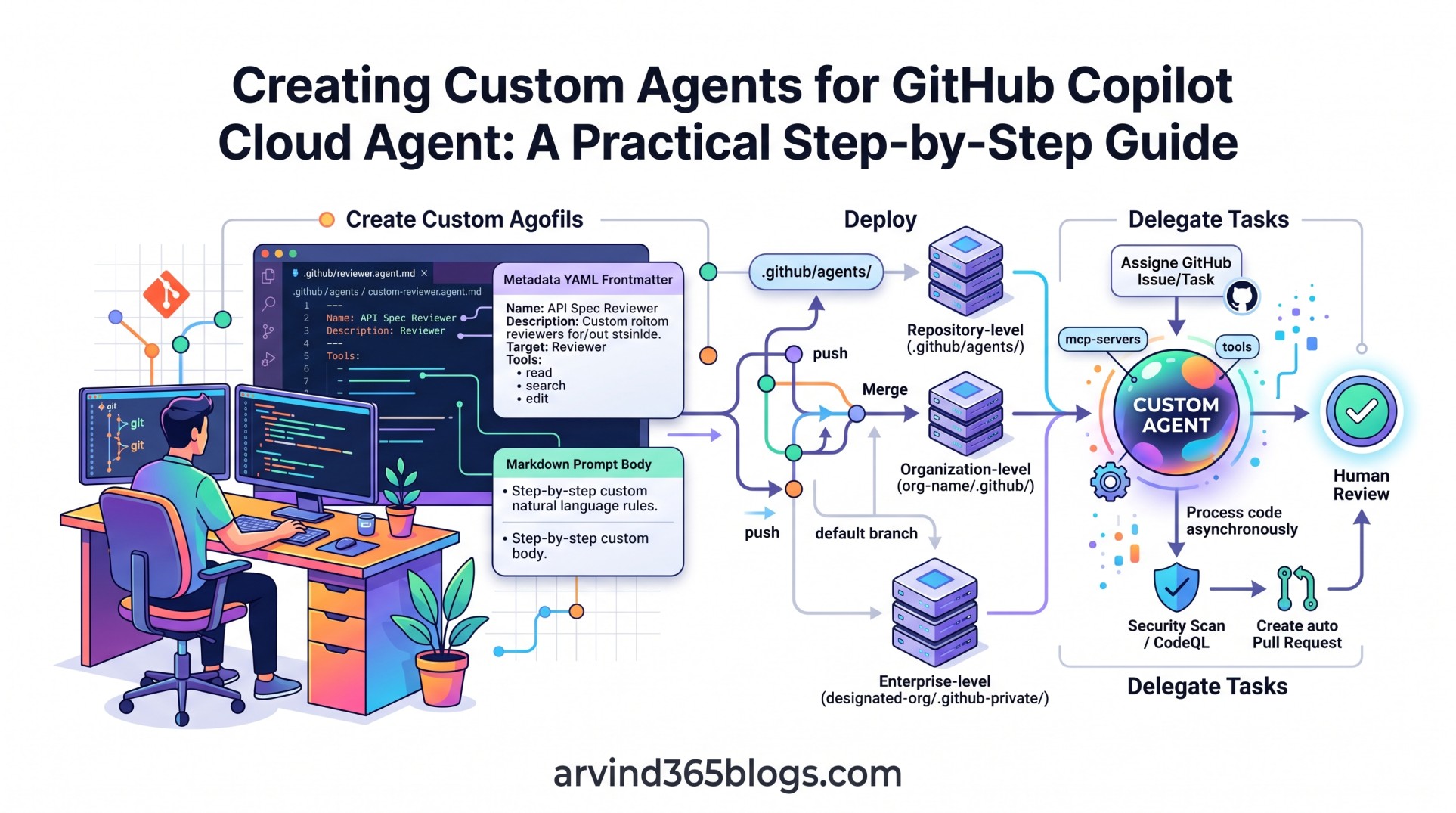
Creating Custom Agents for GitHub Copilot Cloud Agent
Turn tribal engineering rules and repetitive instructions into code-defined configuration. By storing .agent.md profiles directly in .github/agents/, teams can tailor Copilot Cloud Agent with specific foundation models, pre-authorized tools and domain instructions for issues and pull requests. Here is a practical, step-by-step guide to building, governing and scaling custom agents across your repositories.
-
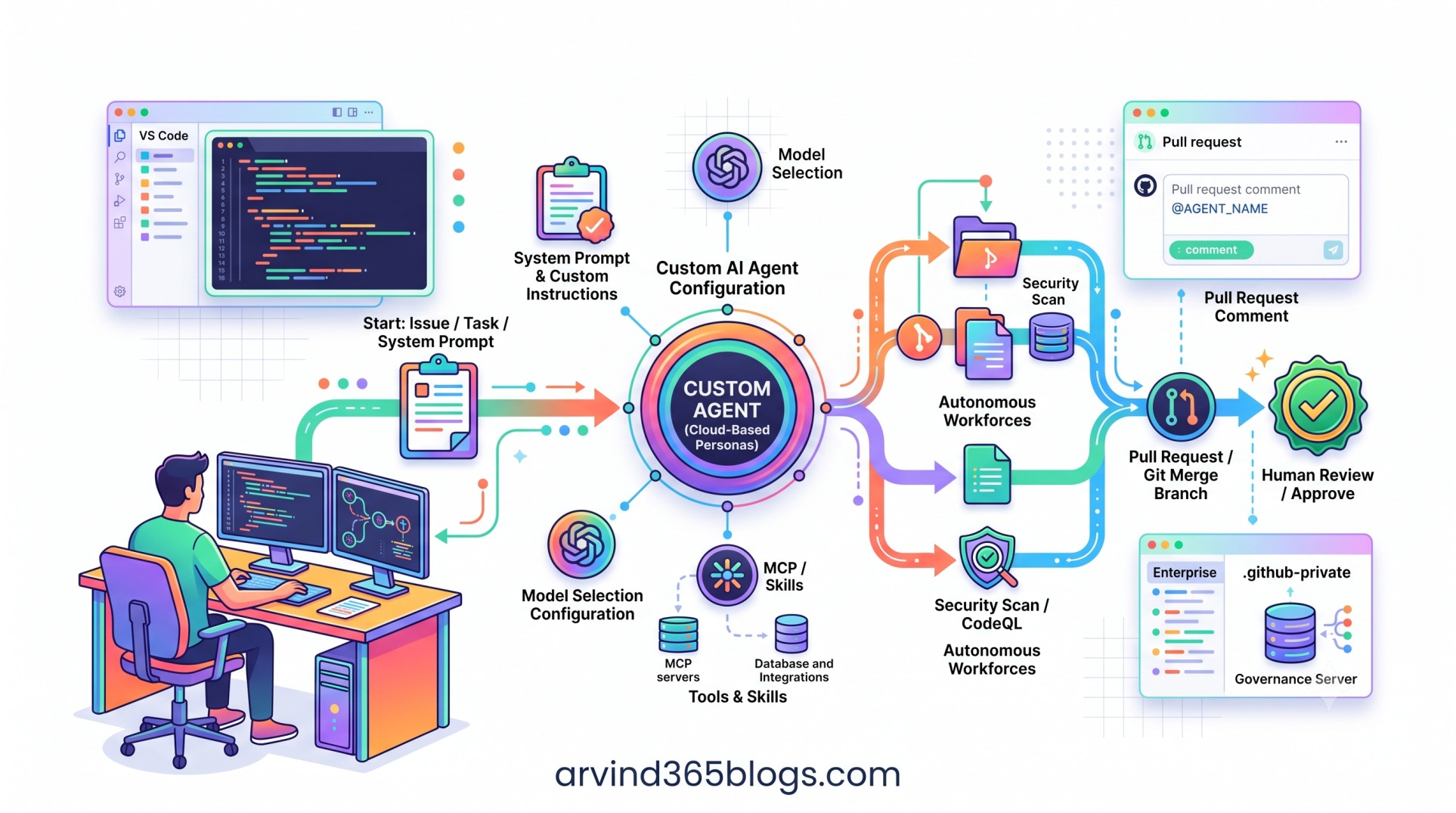
GitHub Copilot Cloud Agent
Generic coding assistants often struggle with proprietary standards and architecture conventions. With Custom Agents for GitHub Copilot Cloud Agent, teams can package tailored system prompts, specialized models and Model Context Protocol (MCP) tools into reusable AI teammates configured right inside the repository. Explore how custom agents turn repository guidelines into autonomous, high-quality pull requests.
-
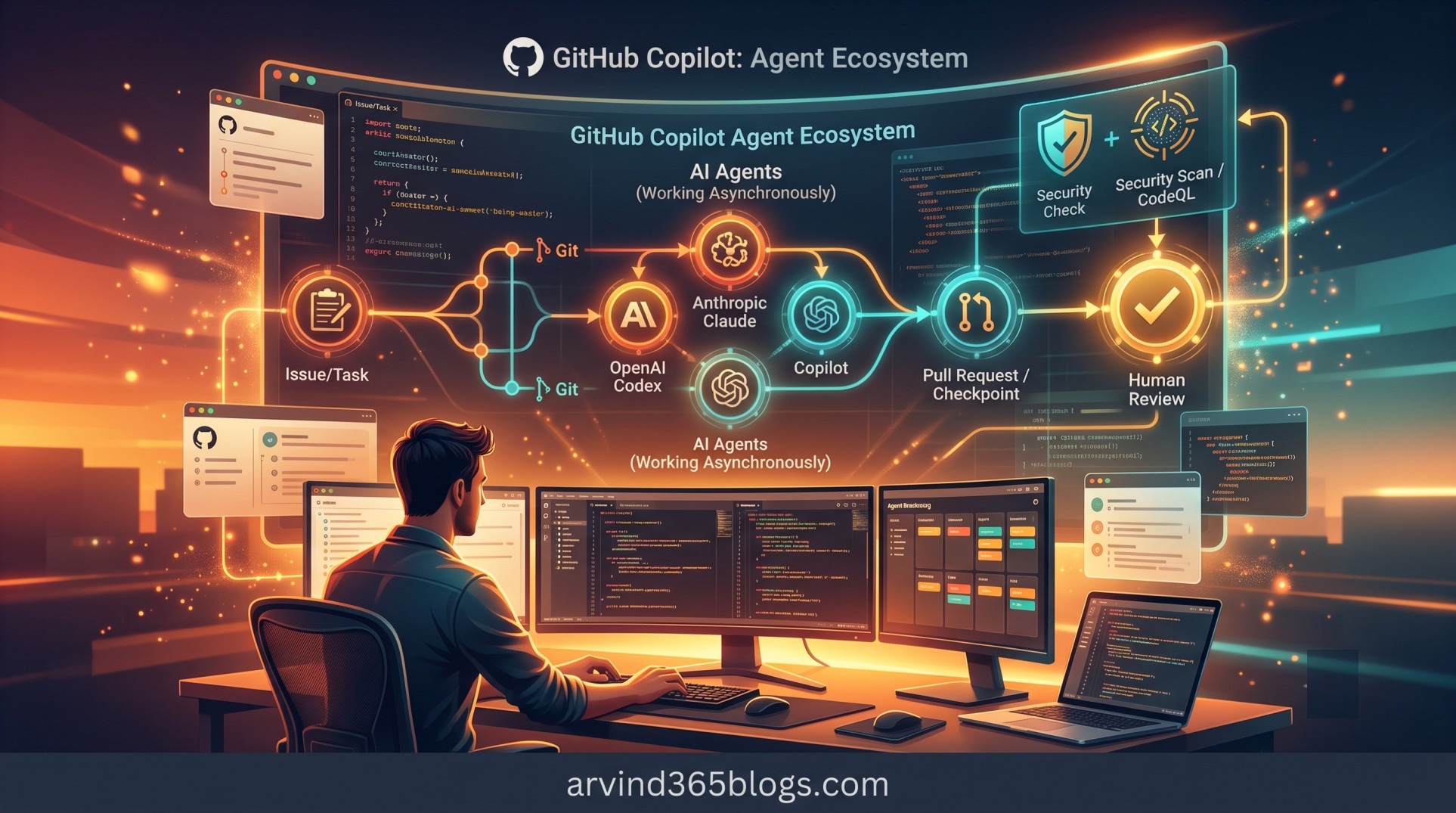
GitHub Copilot: Bringing Third-Party Coding Agents into Your Development Workflow
GitHub Copilot now lets developers delegate tasks asynchronously to third-party coding agents like Anthropic Claude and OpenAI Codex. From issues or prompts, these partner agents build pull requests backed by automated security scans while keeping humans firmly in control of reviews. Here is a look at how this emerging multi-agent ecosystem is reshaping software delivery.
-
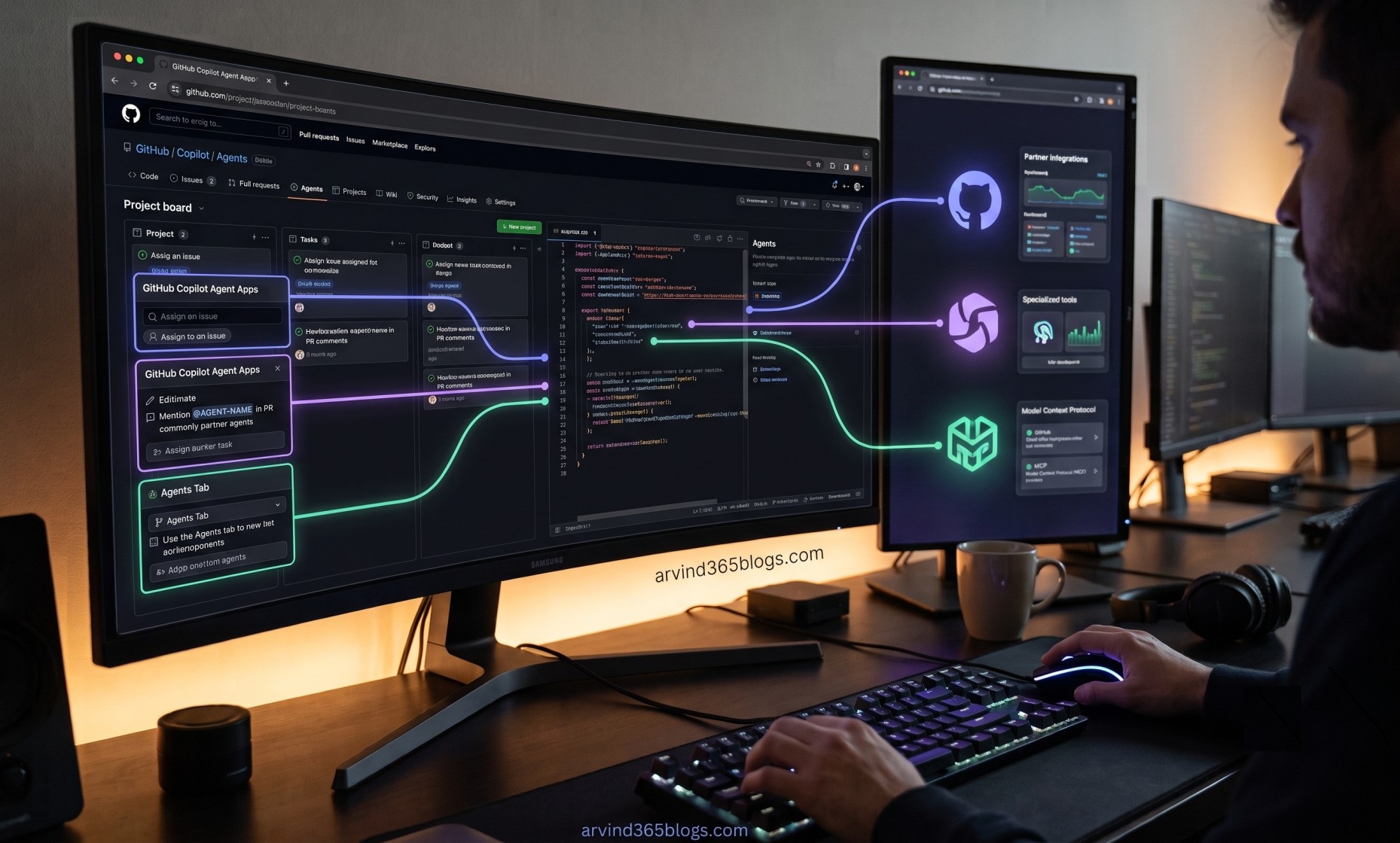
GitHub Copilot Agent Apps
The next frontier of developer productivity isn't just generating code faster - it's delegating end-to-end tasks to specialized agents. With GitHub Copilot Agent Apps, teams can trigger partner tools directly inside GitHub using natural-language prompts, custom models and secure MCP connections. Here is a breakdown of how agent apps fit into the modern delivery pipeline.
-

GitHub Copilot in IDEs
The IDE has always been mission control for developers, but AI is fundamentally transforming how we write, refactor and reason about code. From ghost-text autocompletion to inline chat and multi-file workspace reasoning, GitHub Copilot turns your editor into a collaborative powerhouse. Here is how in-editor AI keeps you in the flow state while accelerating software delivery.
-
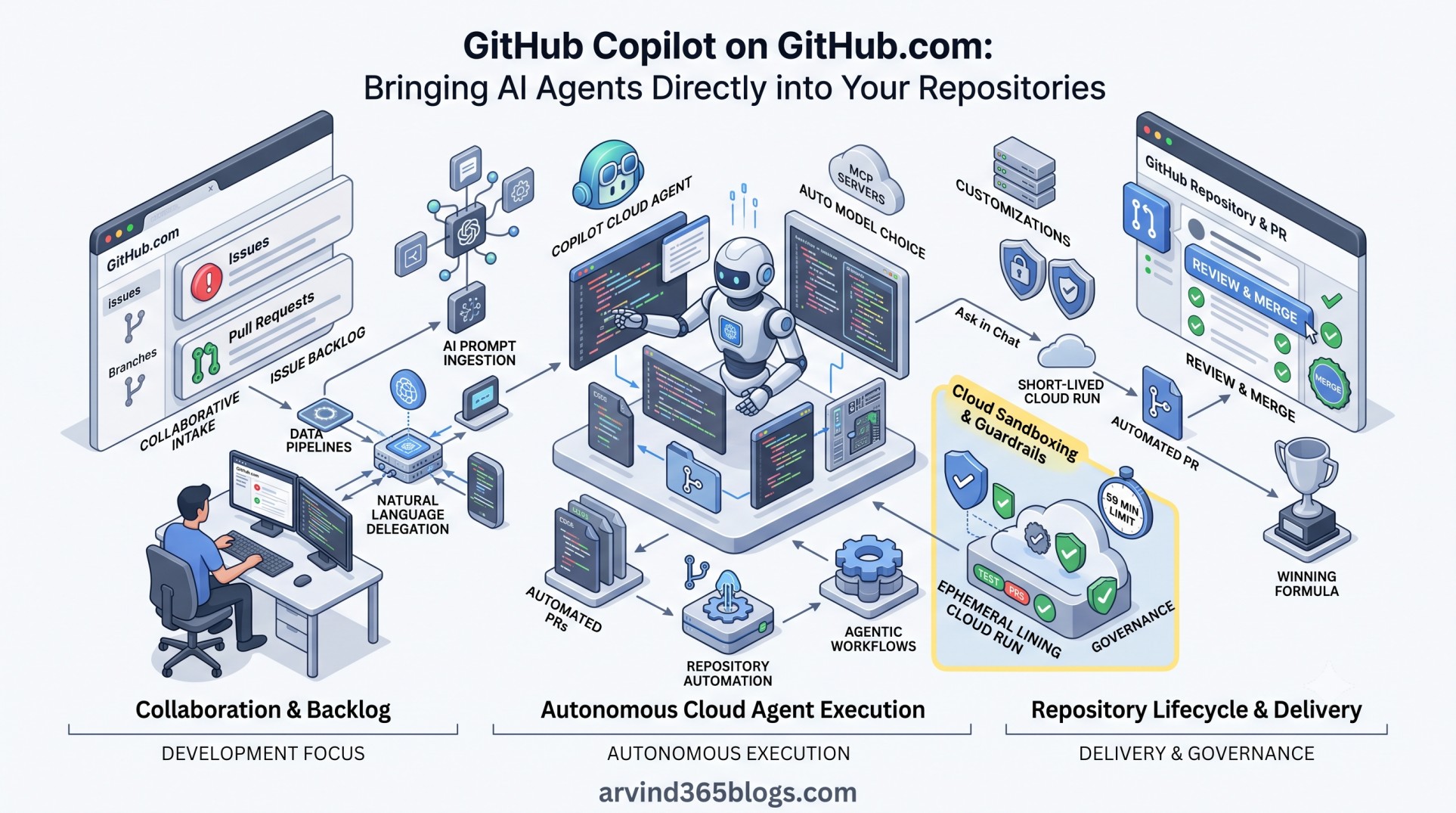
GitHub Copilot on GitHub.com
GitHub Copilot on GitHub.com brings AI agents directly into your issues, pull requests and automated workflows. Discover how delegating work to ephemeral cloud agents transforms browser-based repository management into continuous software delivery.
-
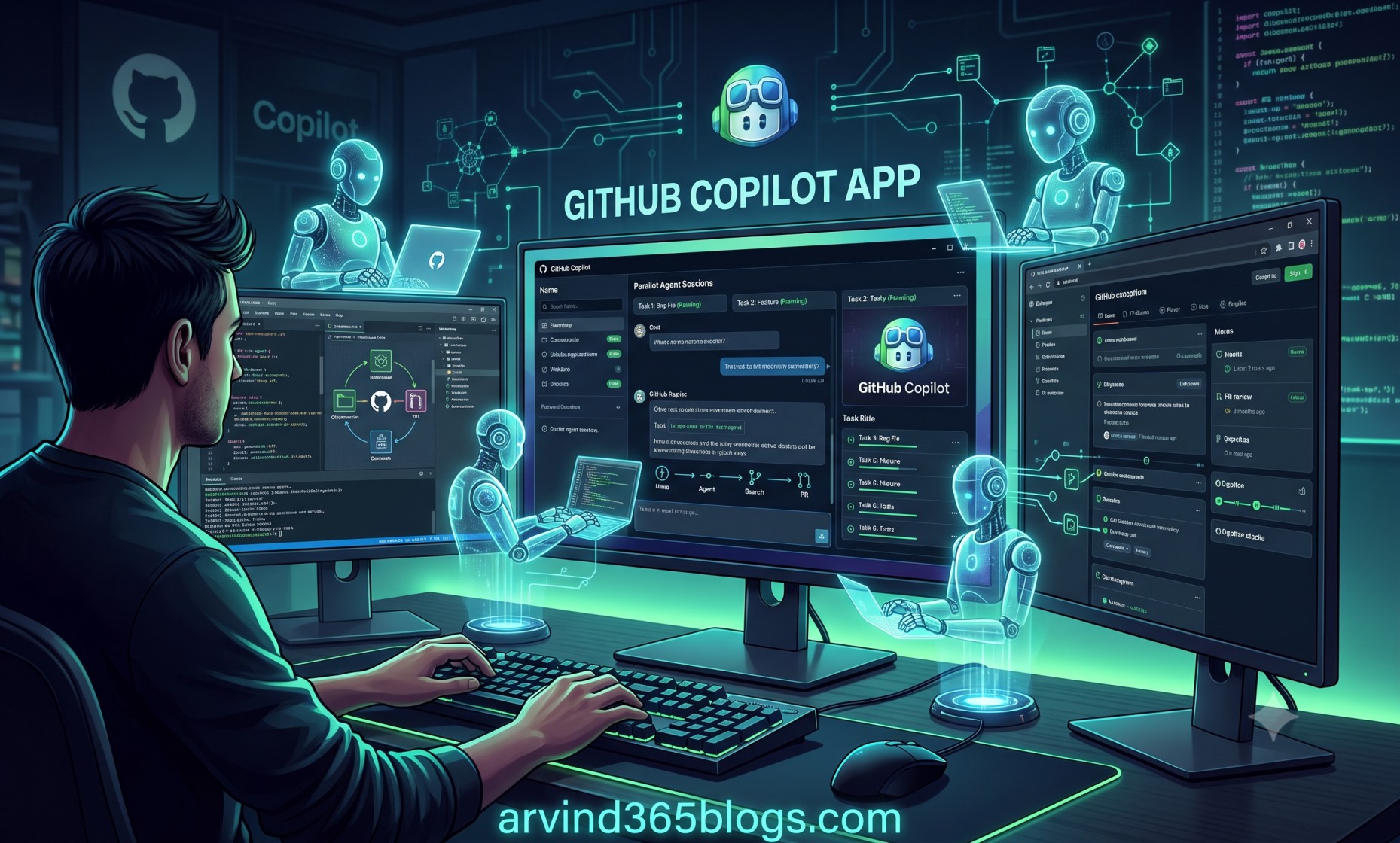
GitHub Copilot App
AI assistance is shifting from writing single lines of code to orchestrating the full developer lifecycle. In this post, I break down the GitHub Copilot desktop app, parallel agent workspaces and how humans and AI collaborate from issue to merge.
-
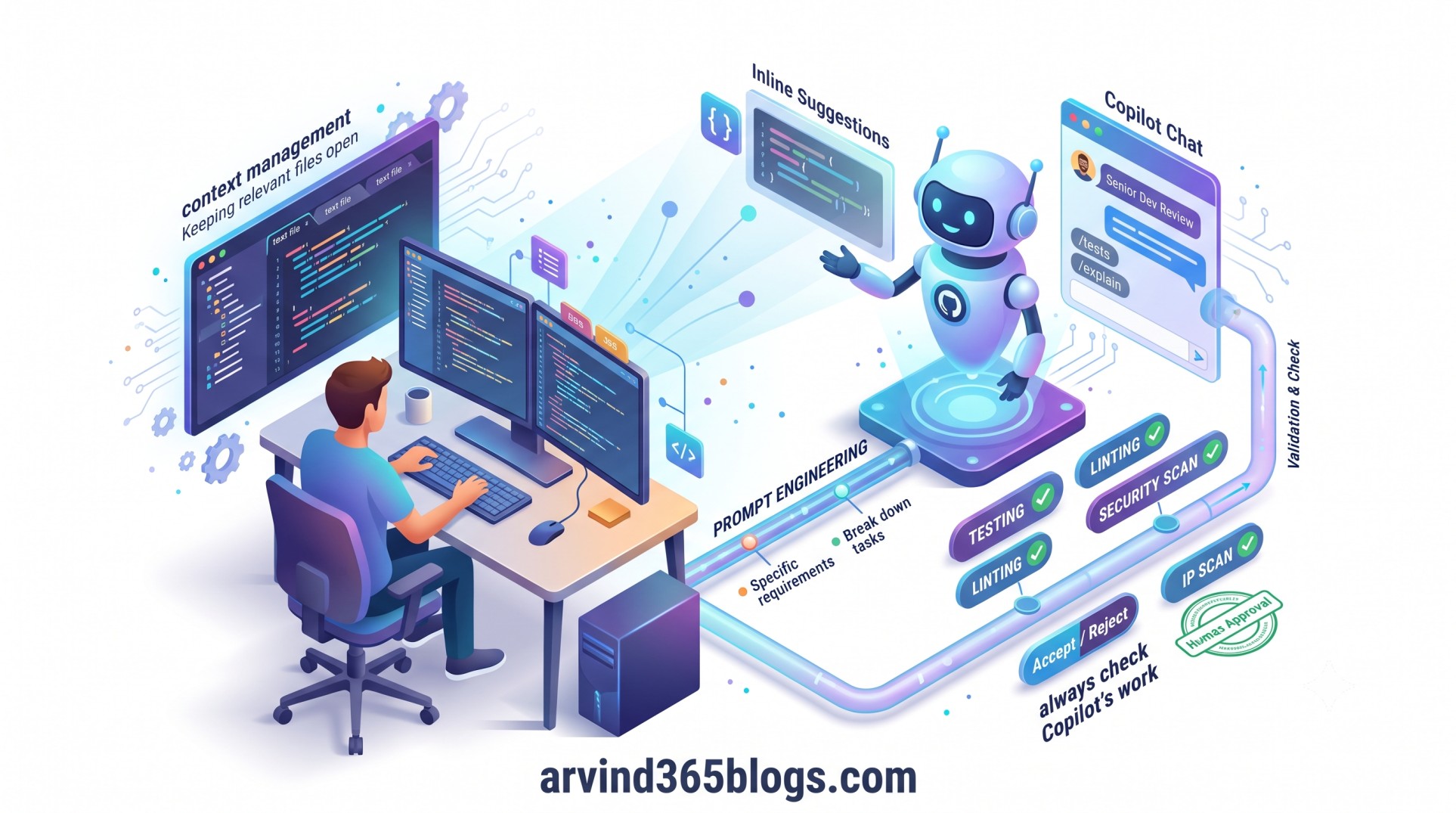
Best Practices for Using GitHub Copilot
AI coding assistants are transforming software development, but real productivity is not just about generating lines of code faster. Drawing on official GitHub best practices, this guide explores how combining precise prompt engineering, smart context management and strict validation turns GitHub Copilot into a reliable AI coding partner. Here is how to keep engineering judgment in the driver's seat while maximizing AI assistance.
-
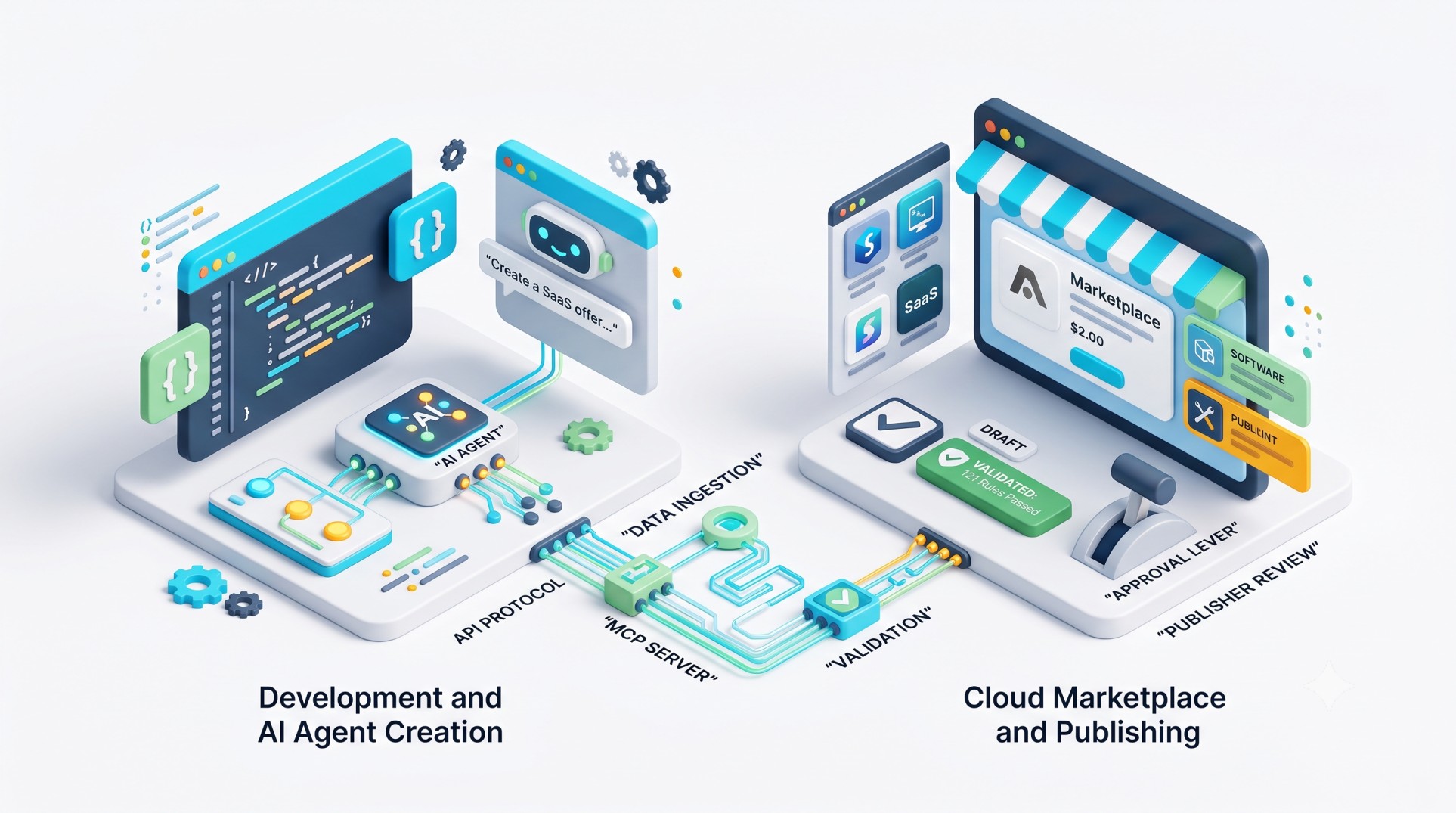
From Development to Marketplace: Bringing AI Agents into the Publishing Workflow
Publishing to Microsoft Marketplace has long been a siloed, manual step in the release cycle. With the new Marketplace Ingestion MCP, AI agents can now translate natural language into validated offer drafts directly within familiar developer environments. Here is how agentic workflows are finally bridging product development with go-to-market publishing.
-
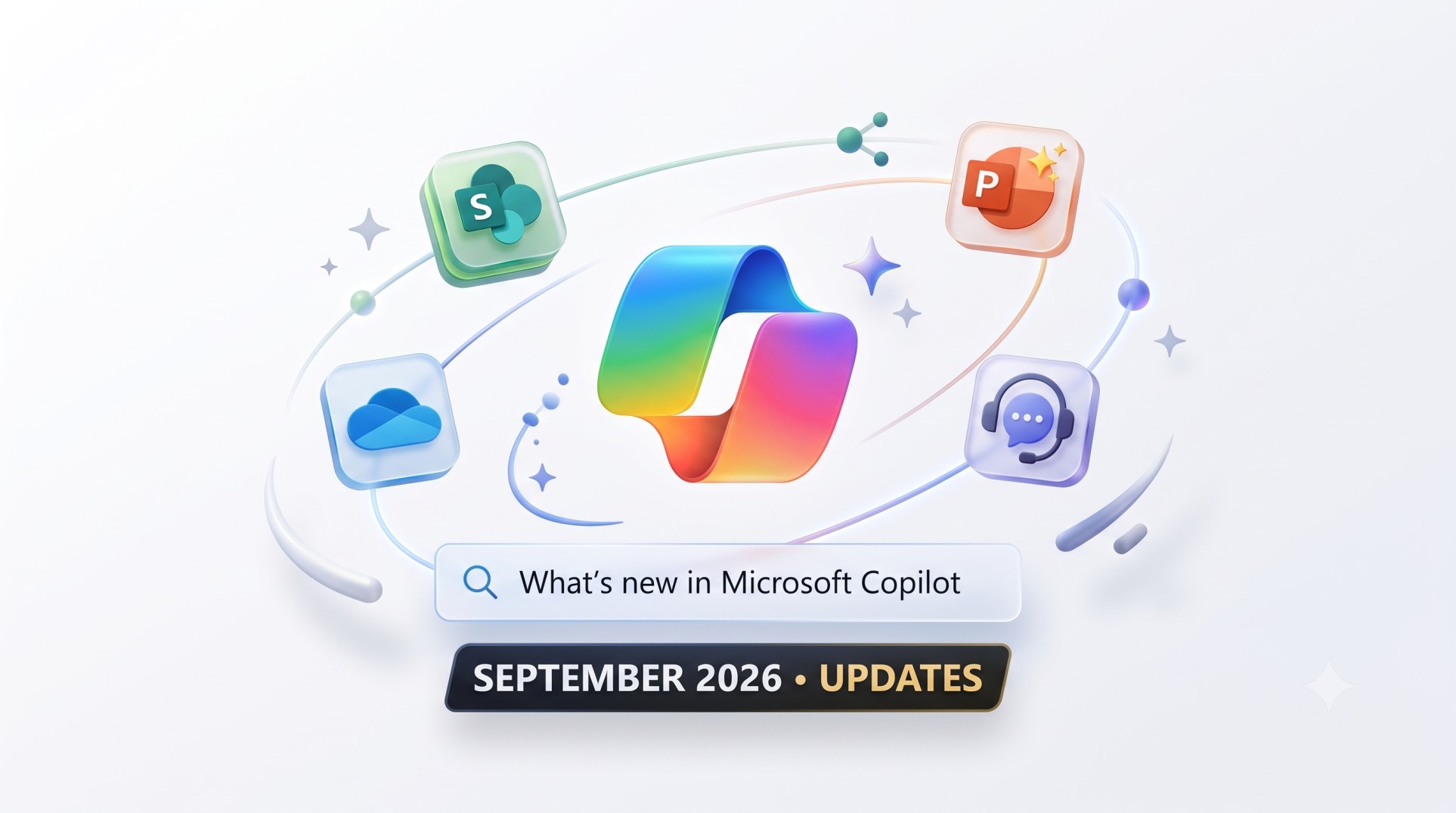
What’s New in Microsoft Copilot (September 2026)
Microsoft’s September 2026 update transforms Copilot into an integrated, agent-ready workplace companion across Microsoft 365. Explore key rollouts including general availability in SharePoint and OneDrive, inline chat agents and centralized authoritative controls for IT administrators. Catch up on the essential updates in a quick 4-minute read.
-

AI and Data Protection Policy: Building Trust in the Age of AI
As AI adoption accelerates across modern workplaces, protecting enterprise data has never been more critical. Explore how a clear AI Data Protection Policy, smart access controls and thoughtful governance enable organizations to innovate rapidly while safeguarding their most valuable assets.
-
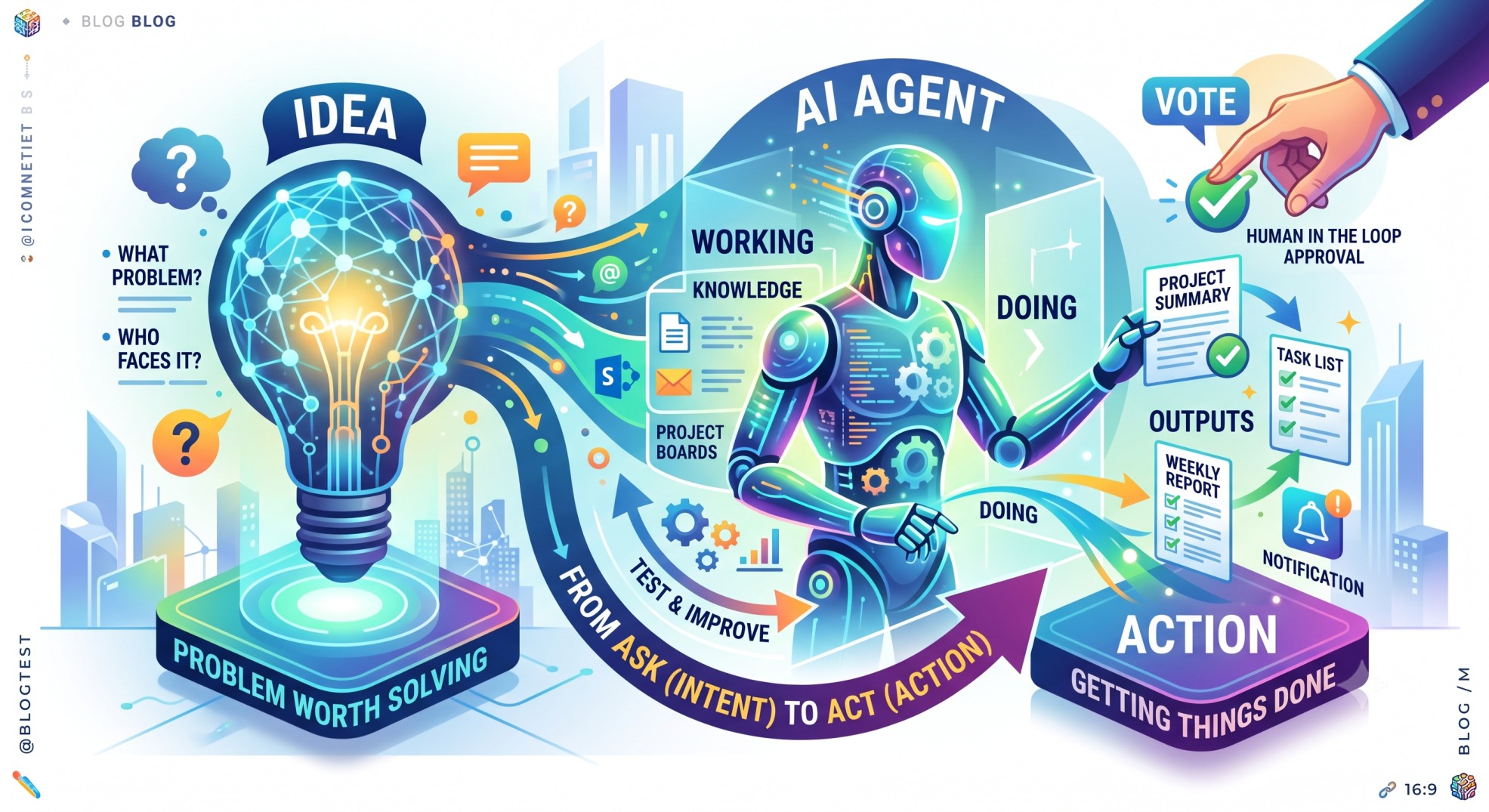
AI Agents: From Idea to Action
AI has evolved beyond answering questions to taking real action. Discover how AI agents can turn intent into execution and why grounding them in business context and product thinking is the key to building tools that actually deliver value.
-
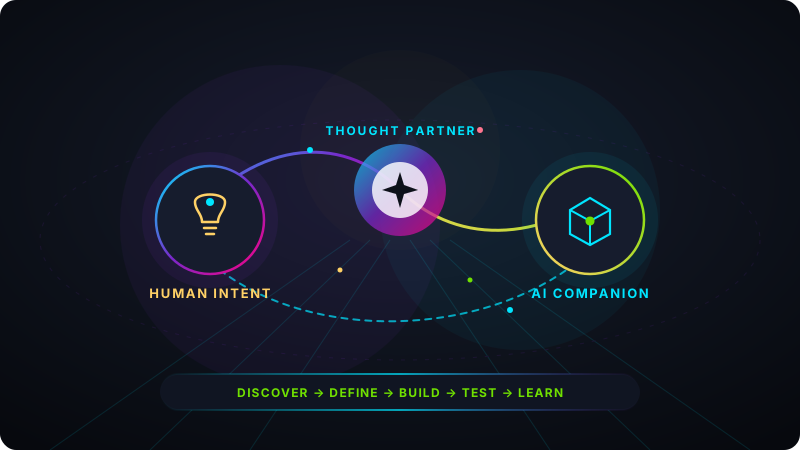
AI as a Digital Companion: From Tool to Thought Partner
AI is rapidly evolving from a simple automation tool into an active digital companion that augments human thinking. Rather than replacing us, context-aware AI is shifting the dynamic from Human vs. AI to Human + AI-helping teams move smoothly from intent to action across the entire product lifecycle while keeping human judgment firmly in the driver's seat.
-
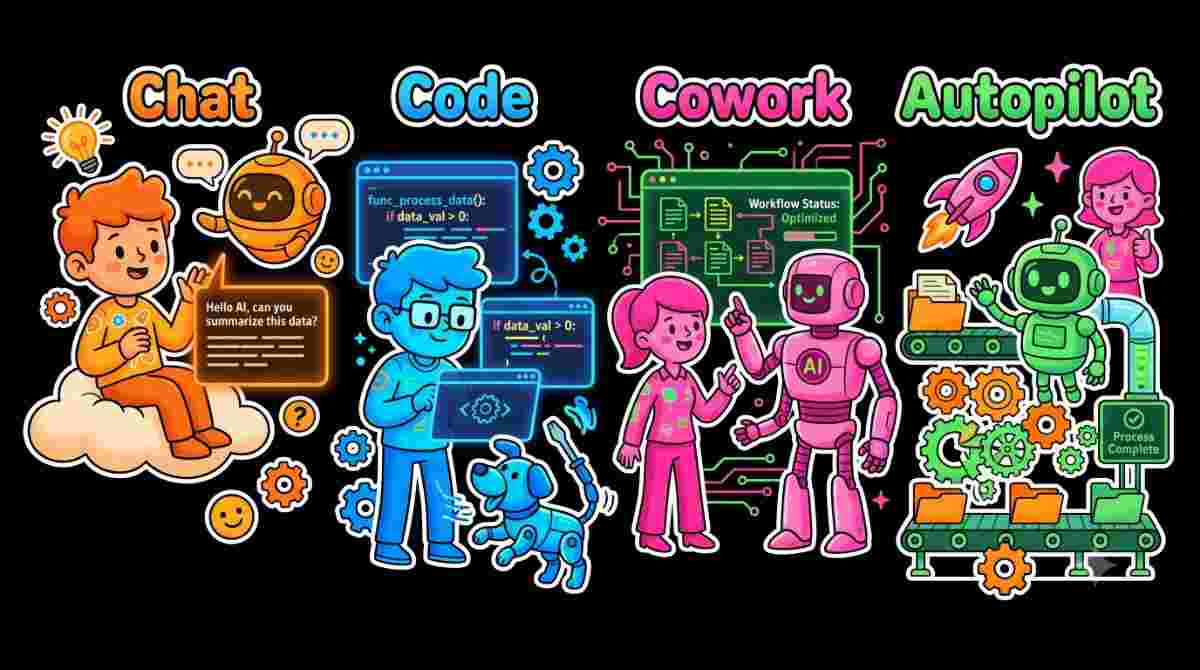
The New Microsoft Copilot: From Chat to Getting Work Done
AI assistants started with simple questions and answers, but the way we work is shifting. With features like Home, Code and Autopilot, Microsoft Copilot is evolving from a chatbot into an active partner that asks, builds and automates work. Explore how moving from chat to delegated execution changes what we can accomplish with AI.
-

Power Apps Code Apps
This blog explores Power Apps Code Apps and how they bring code-first development to the Power Platform. Discover how teams can build custom web apps using React and TypeScript while keeping enterprise - grade security and governance intact.
-
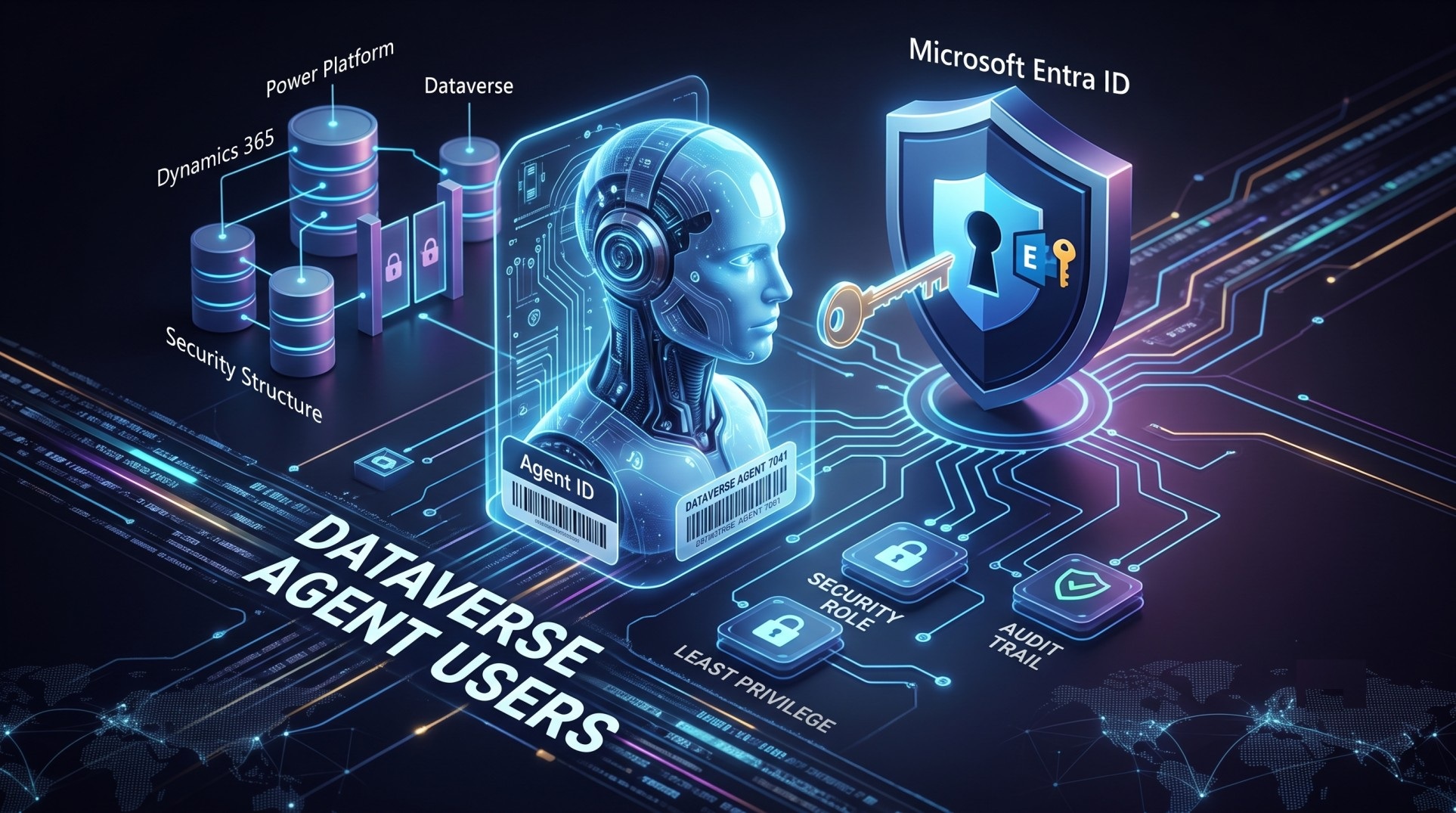
Dataverse Agent Users: Giving AI Agents Their Own Identity
As AI agents transition from answering questions to executing real business actions, identity and governance become critical enterprise requirements. Explore how Microsoft's new Dataverse agent users and Microsoft Entra agent identities establish dedicated security roles, least-privileged access and full auditability for autonomous agents.
-
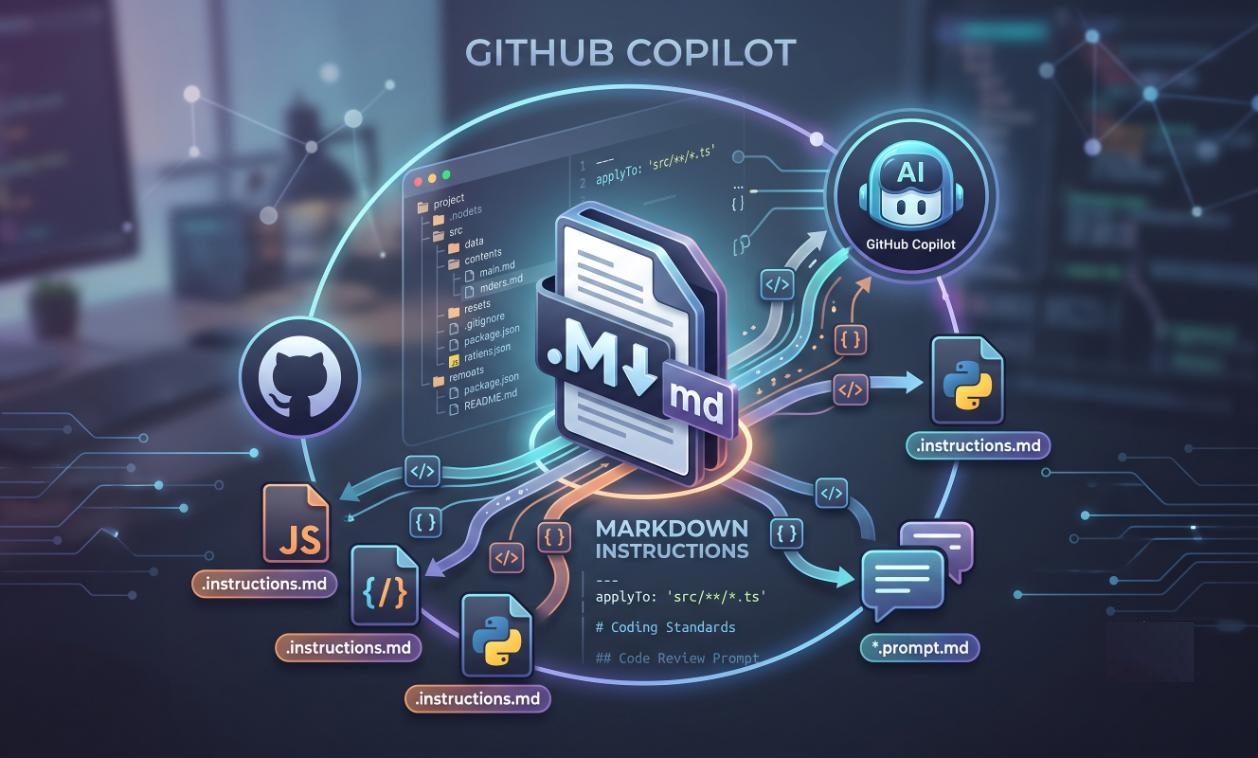
GitHub Copilot: How to Effectively Use Markdown Files for Better AI-Assisted Development
Learn how to guide GitHub Copilot using structured Markdown files directly within your repository. From global standards in copilot-instructions.md to path-specific rules and reusable .prompt.md templates, discover how to turn project context into version-controlled engineering knowledge.
-
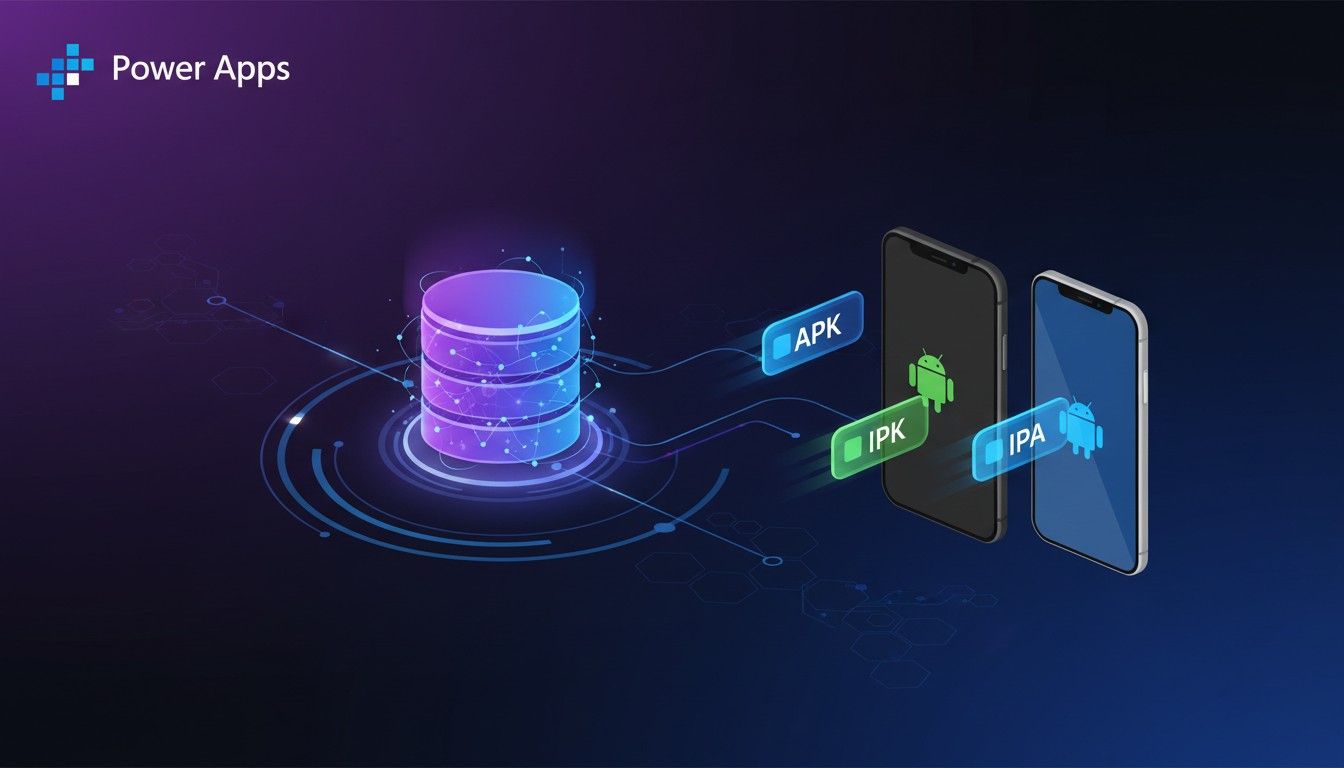
Download Wrapped Apps Directly from Dataverse – Power Apps 2026 Release Wave 1
Download wrapped apps directly from Dataverse in Power Apps 2026 Wave 1. This update removes Azure Blob Storage dependency and simplifies app deployment for developers.
-
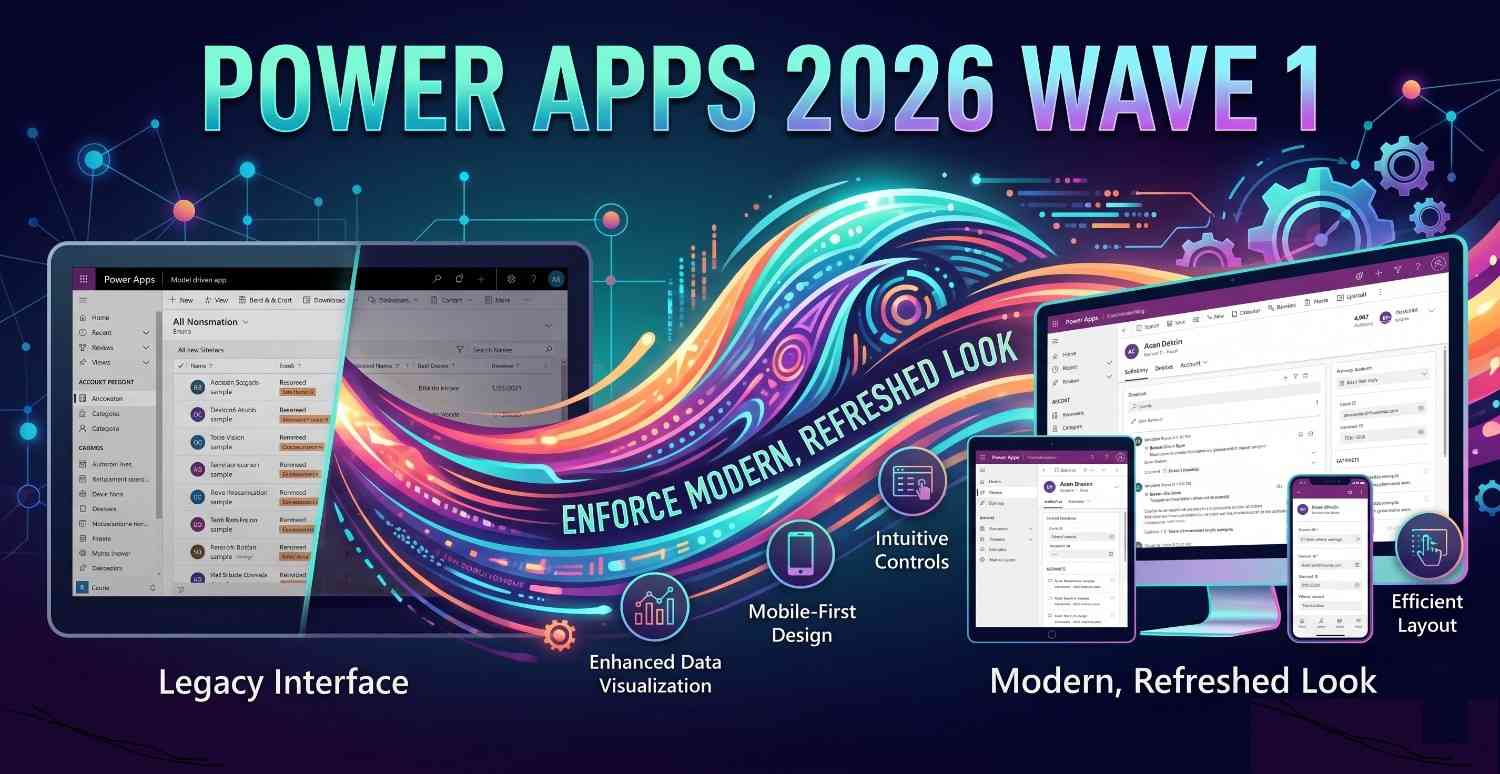
Power Apps 2026 Wave 1: Enforce Modern, Refreshed Look in Model-Driven Apps
In Power Apps 2026 Wave 1, Microsoft is making the modern, refreshed UI mandatory for all model-driven apps. This update removes the classic experience entirely, bringing a consistent, cleaner and future-ready interface. In this blog, I’ve covered what’s changing, why it matters and what makers should prepare for.
-
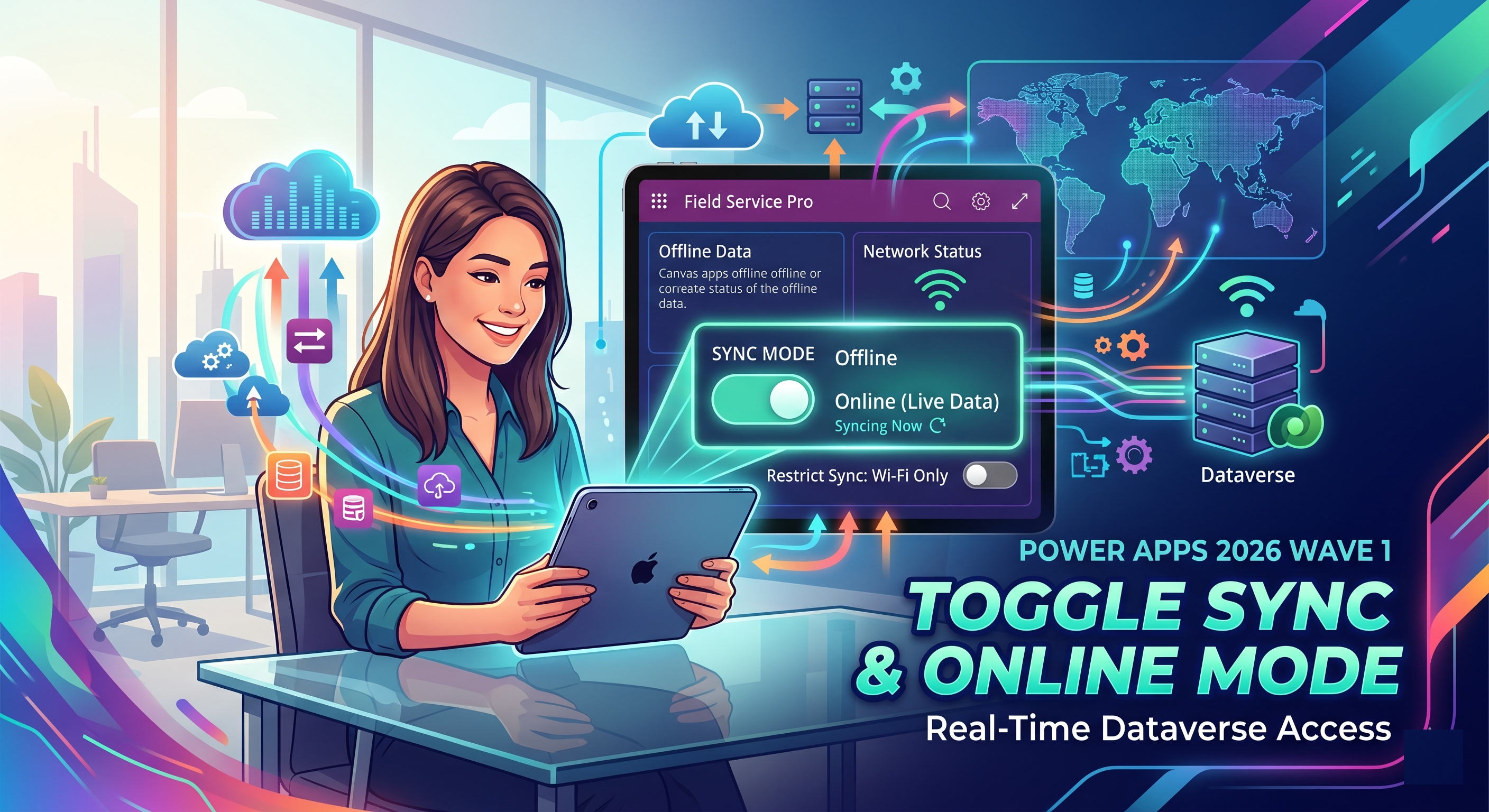
Power Apps 2026 Wave 1: Enable online mode to access Dataverse for Canvas apps
In Power Apps 2026 Wave 1, Microsoft introduces the ability to seamlessly switch between offline and online modes in canvas apps. This enhances data access, enables real-time decisions and optimizes mobile usage - this blog explores how it works and why it matters.
-
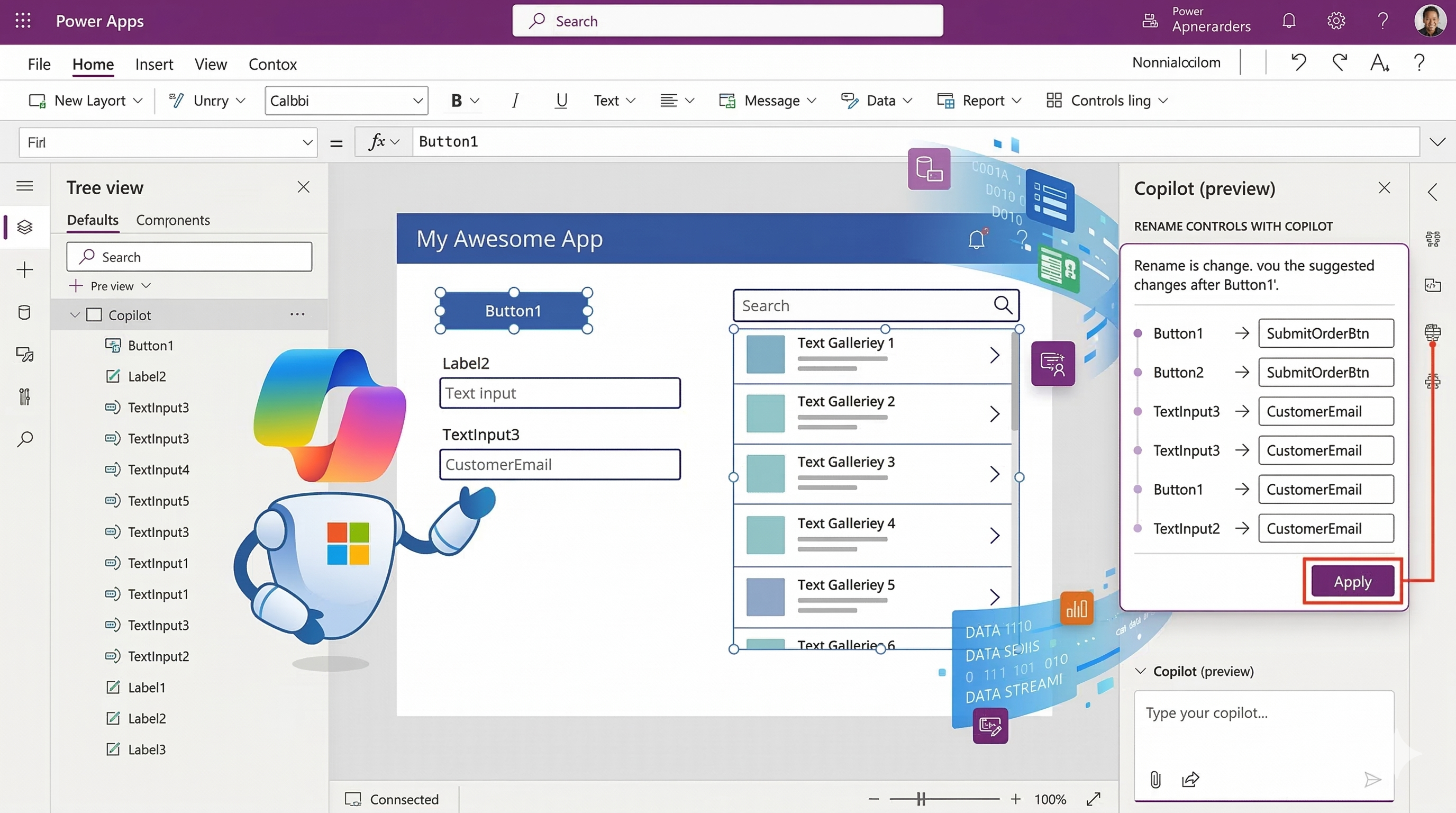
Rename Controls in Power Apps Canvas Apps Using Copilot (preview)
Rename controls faster in Power Apps Canvas Apps using the new Copilot Rename Controls (preview) feature. It suggests meaningful control names automatically, helping improve readability and maintainability of your apps.
-
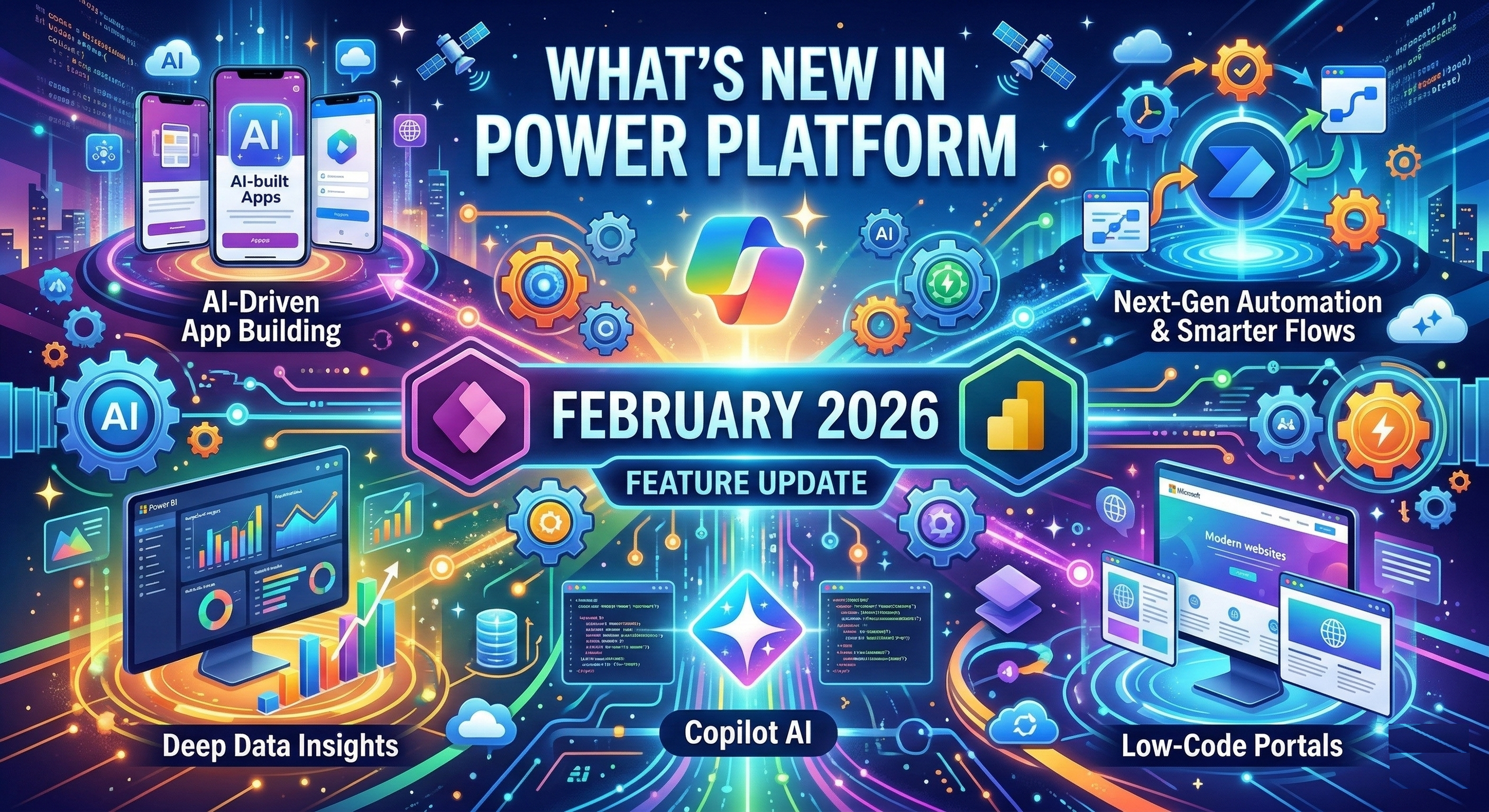
What’s New in Power Platform - February 2026 Feature Update
Welcome to my corner of the web! I explore the latest in Power Platform, AI‑powered apps and low‑code innovation. Follow along as I share insights, tutorials and deep dives into the tools that help you build smarter apps.
-
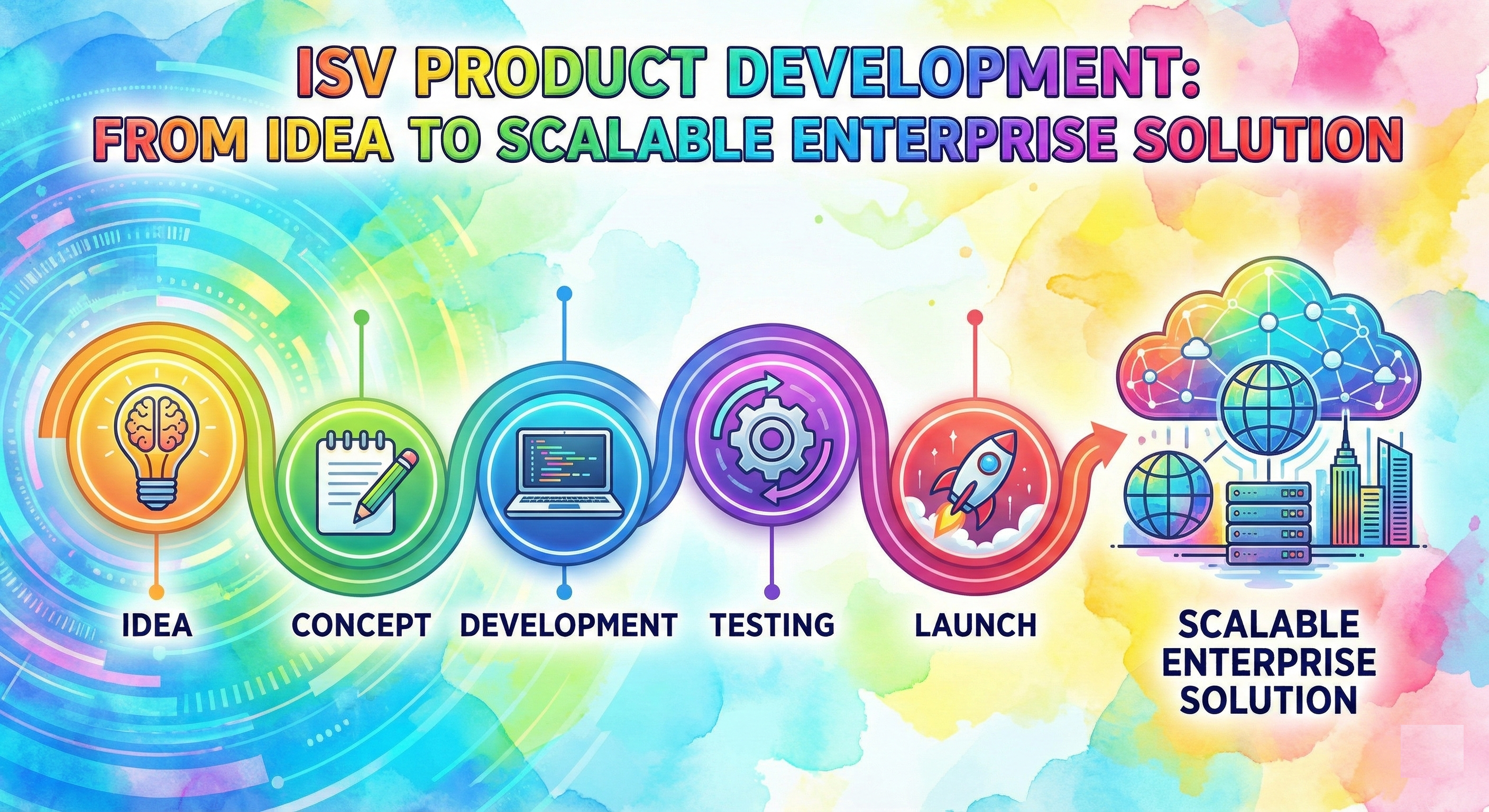
ISV Product Development: From Idea to Scalable Enterprise Solution
ISV product development isn’t about building for one customer - it’s about building for many, sustainably. In this blog, I share practical insights from my journey in designing scalable, upgrade-safe enterprise products.
-
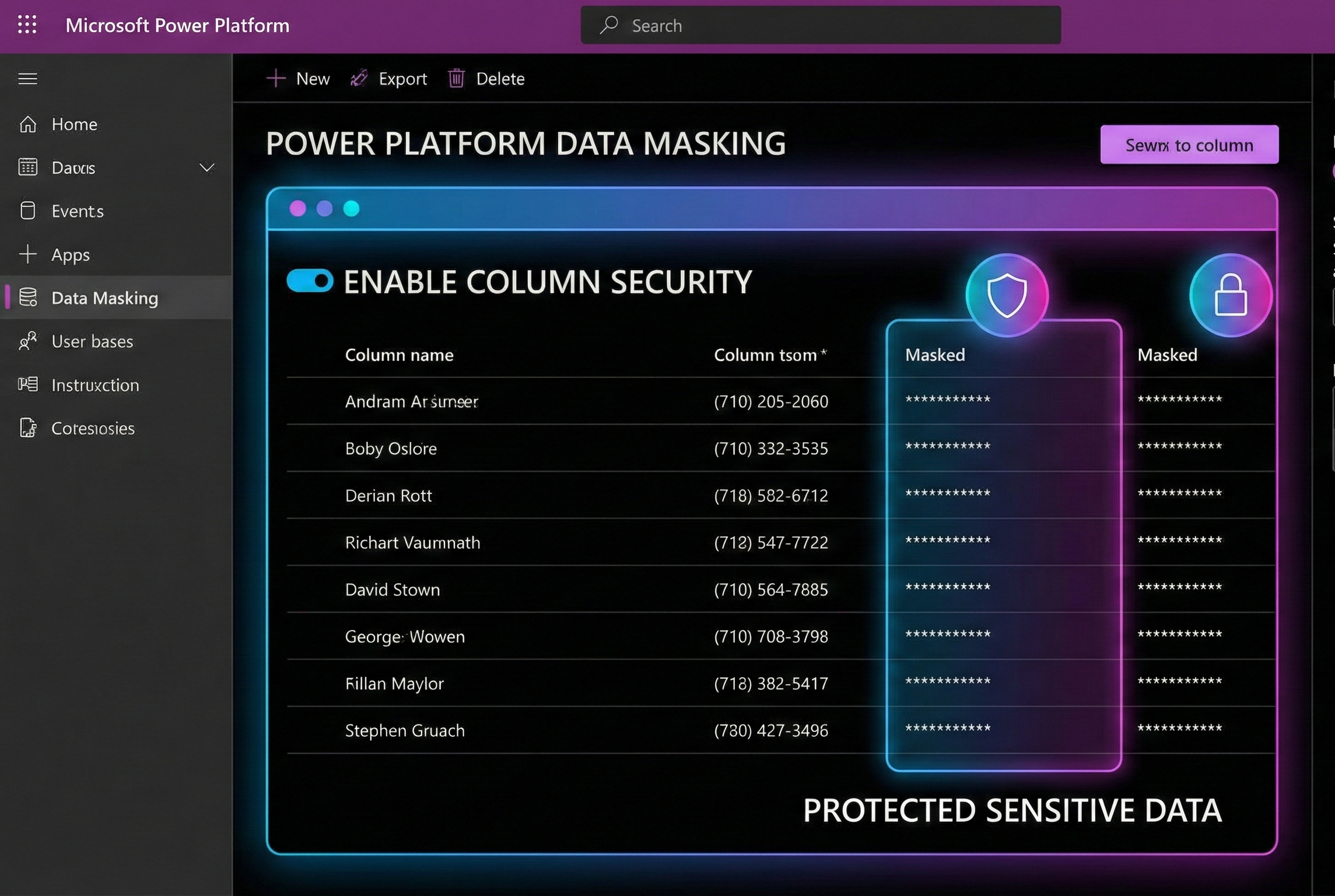
Protecting Sensitive Data in Power Platform with Masking Rules
Learn how to protect emails, credit cards and other sensitive data fields using regex-based masking in Dataverse, without losing control or productivity.
-
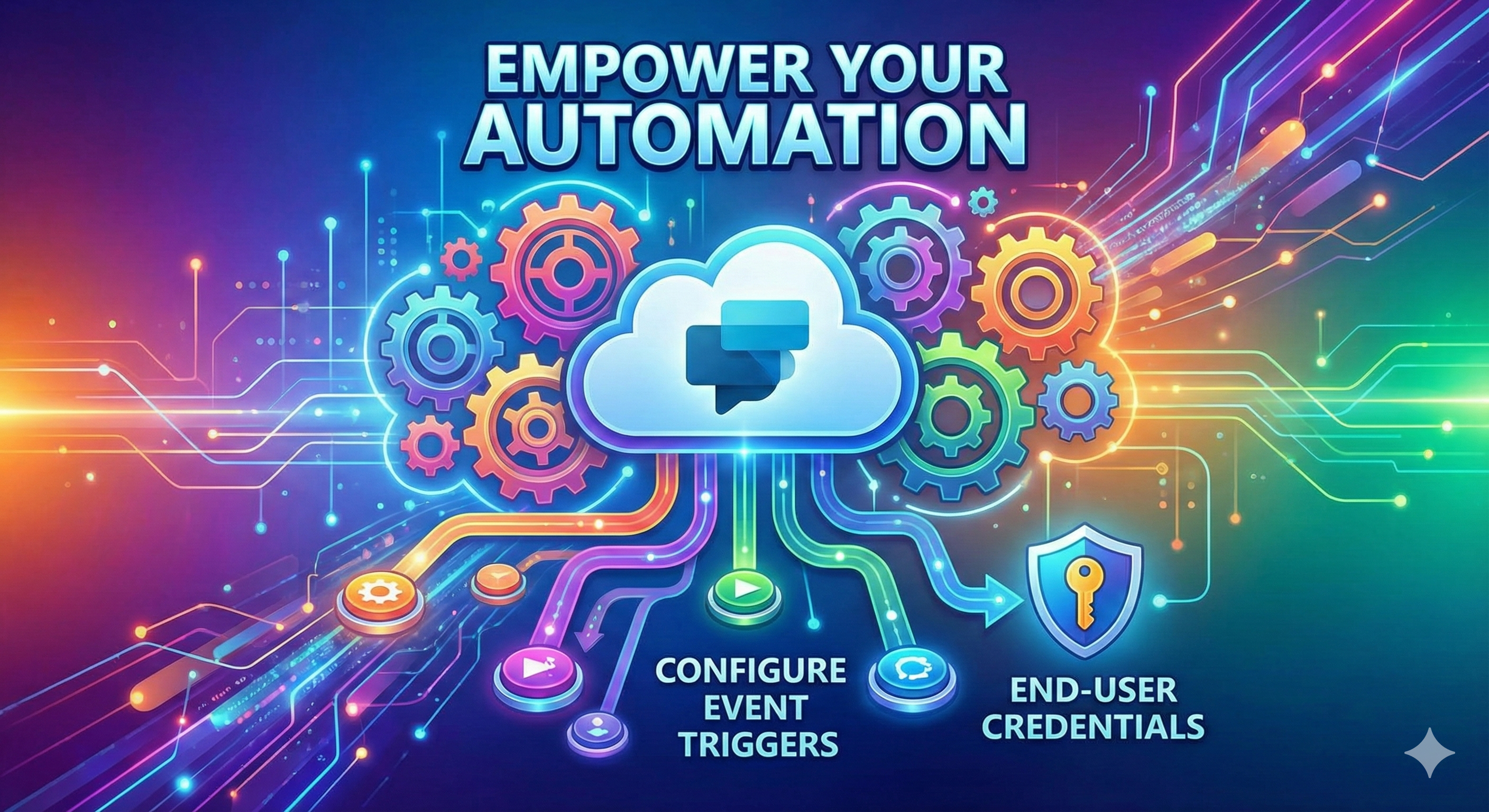
Configure Event Triggers with End-User Credentials in Microsoft Copilot Studio
Microsoft Copilot Studio now supports event triggers that run using end-user credentials, enabling secure and autonomous automation. In this blog, we explore how this capability works, why it matters and how it helps build enterprise-ready, user-aware Copilot solutions.
-
Add Oracle as a Knowledge Source in Microsoft Copilot Studio
Microsoft Copilot Studio now lets you use Oracle databases as a real-time knowledge source. This feature enables Copilot agents to answer questions directly from live Oracle data using natural language, without data replication or complex integrations.
-
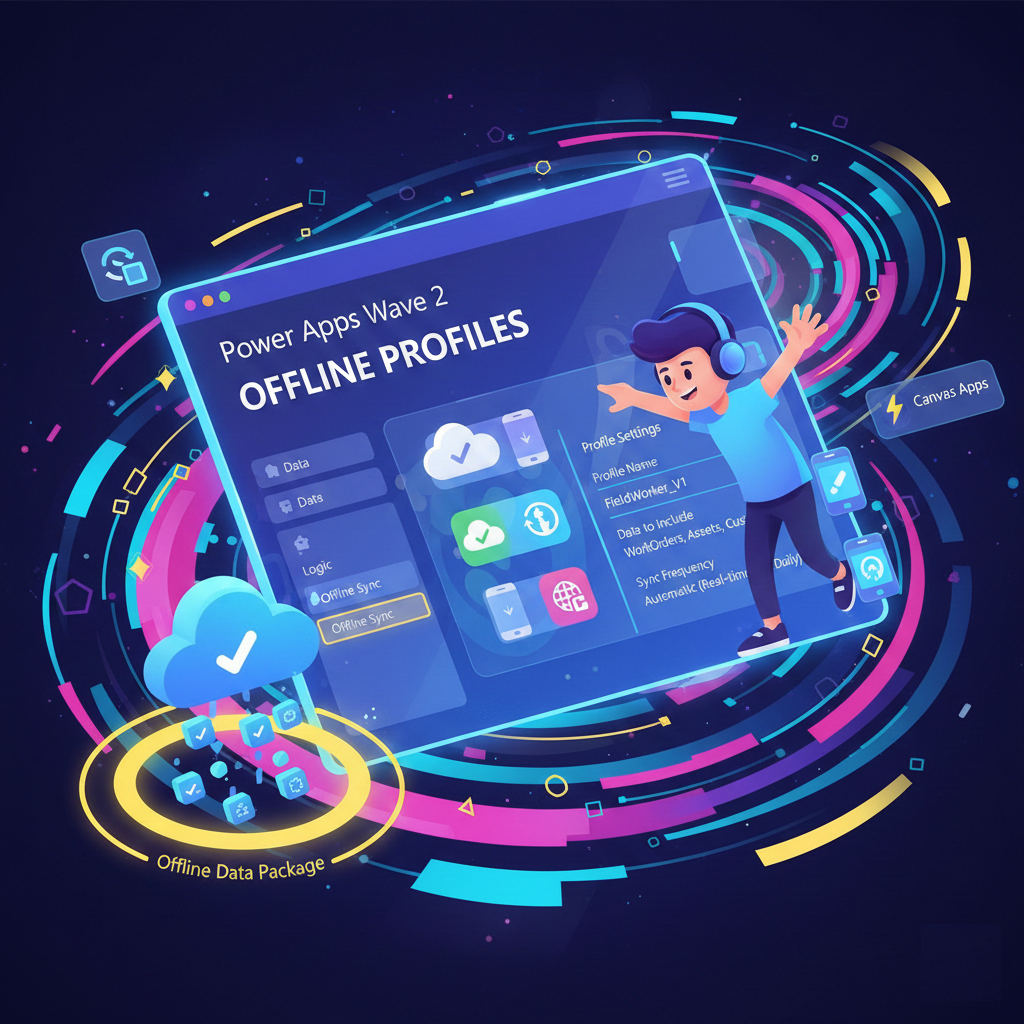
Power Apps Wave 2: Create Offline Profiles in Maker Studio for Canvas Apps
Building offline-capable mobile apps just got easier. In this blog, explore how Power Apps 2025 Wave 2 lets makers create and manage offline profiles directly from Maker Studio, simplifying disconnected scenarios without admin overhead.
-
Manage your source code for canvas apps
This feature will be available in public preview starting May 2025, offering an exciting new way to manage and optimize your canvas app source code.
-
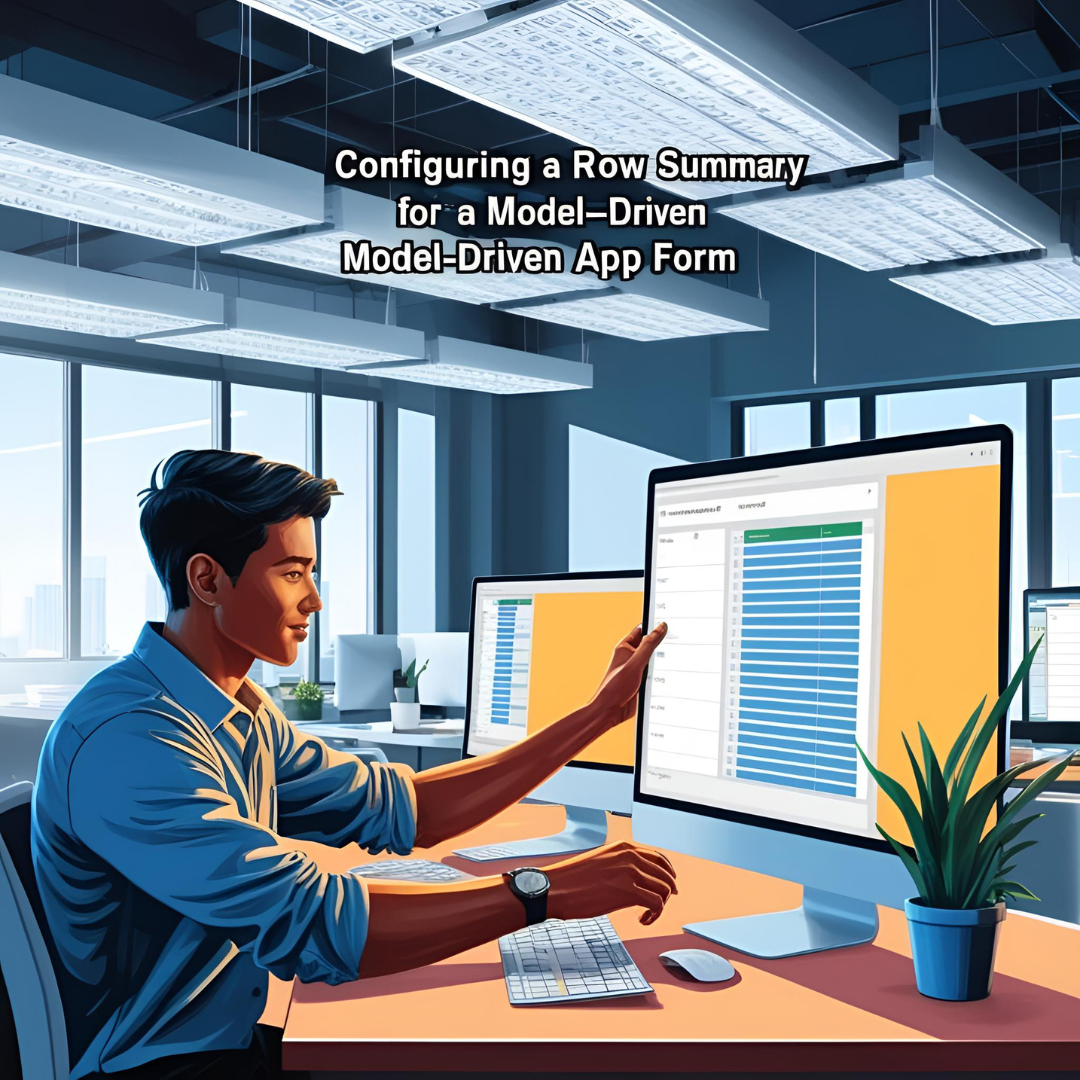
Configure a Row Summary for a Model-Driven App Form (Preview)
This feature allows you to display key information at a glance in a customizable summary bar, improving data visibility and user efficiency.
-
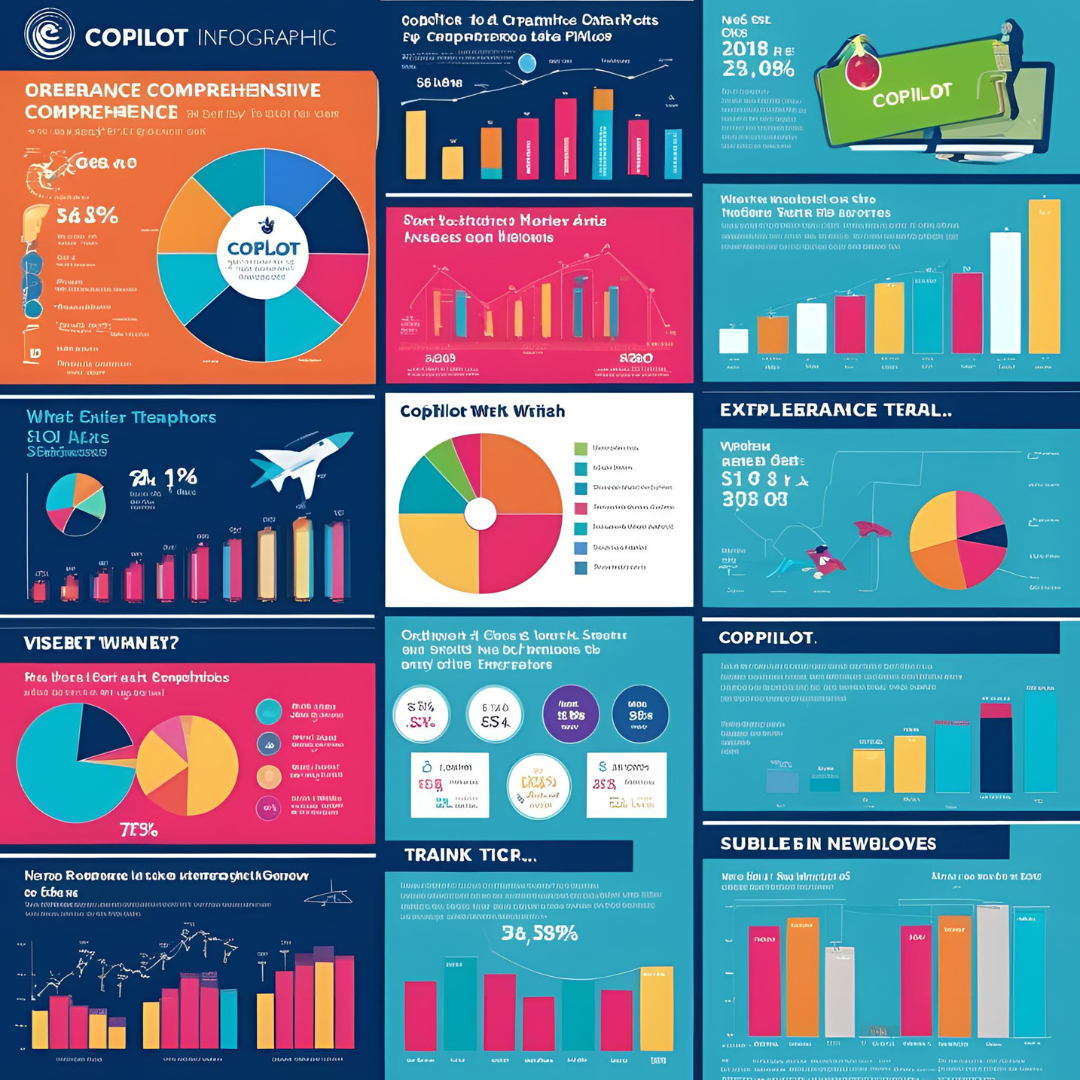
Visualize the data in your view easily with Copilot (Preview)
This feature is a part of Power Platform Release Plan 2025 Wave 1, it empowers users with AI-generated visualizations to quickly uncover insights and trends from their data.
-
Find records and filter views using natural language (Preview)
This feature is part of the Power Platform Release Plan 2025 Wave 1, bringing enhanced natural language capabilities to improve data management and user experience.
-
Optimize downloaded data with Offline Table Column Selection (Preview)
This preview feature allows makers to optimize the performance of model driven and canvas app.
-
Select columns downloaded on mobile devices
The 2025 Wave 1 release, allows makers to choose which columns of data get downloaded to mobile devices for offline use.
-

Real-time collaboration using Coauthoring
The 2024 Wave 2 release includes a notable feature for developers creating canvas apps: real-time collaboration using Coauthoring.
-

Efficient Data Management using New Enhanced Grid Features
The 2024 Wave 2 release includes a noteworthy update in the form of new grid features in Power Apps.