September 21, 2026 | GitHub Copilot | 5 min read
GitHub Copilot: How to Effectively Use Markdown Files for Better AI-Assisted Development
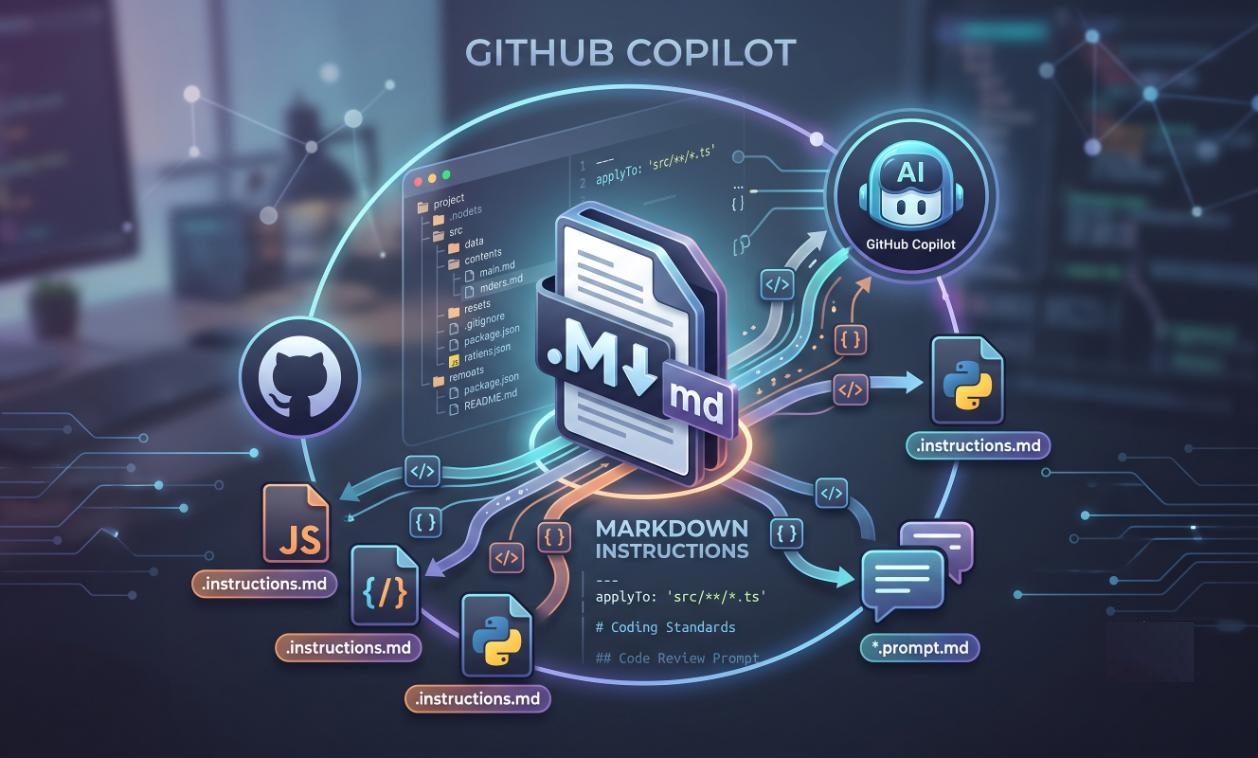
GitHub Copilot can generate code quickly, but the quality of that code depends heavily on the context and instructions Copilot receives. One of the simplest ways to provide that context is through Markdown files.
Instead of repeating the same instructions in every prompt, we can store project standards, architecture decisions, coding conventions and reusable prompts in Markdown files and let Copilot use them as part of the development workflow.
Why Markdown Files Matter
A normal prompt tells Copilot what you want to do. A well-designed Markdown instruction file tells Copilot how your project expects the work to be done.
- Project architecture and technology stack
- Coding and naming conventions
- Security and error-handling rules
- Testing expectations
- Documentation standards
- Reusable task-specific prompts
This helps reduce repeated instructions and gives Copilot consistent project context.
1. Use copilot-instructions.md for Project-Wide Rules
The .github/copilot-instructions.md file is useful for instructions that should apply broadly across a repository.
For example:
- Preferred programming languages and frameworks
- Project architecture and design patterns
- Naming conventions
- Testing approach
- Security requirements
- Documentation expectations
Keep this file focused on rules that are relevant to most development tasks. Since these instructions can become part of Copilot's context repeatedly, avoid turning the file into a large project manual.
2. Use Path-Specific .instructions.md Files
Not every rule applies to every file in a project. This is where path-specific instruction files become useful.
These files can be stored under .github/instructions and use the .instructions.md extension. An applyTo pattern determines which files the instructions apply to.
For example:
- TypeScript instructions for PCF components
- JavaScript instructions for web resources
- C# instructions for plugins
- Test instructions for test projects
This keeps instructions smaller and more relevant instead of putting every rule into one global file.
3. Use Prompt Files for Repeatable Tasks
Another powerful option is the .prompt.md file. Prompt files are useful when you repeatedly perform the same type of task.
For example, you can create reusable prompts for:
- Generate unit tests
- Review a plugin for common issues
- Review a PCF component
- Generate technical documentation
- Refactor existing code
- Prepare a pull request summary
The benefit is simple: instead of rewriting a detailed prompt every time, the team can maintain a reusable prompt in the repository.
4. A Simple Structure That Works
A practical GitHub Copilot customization structure could look like this:
.github/
├── copilot-instructions.md
├── instructions/
│   ├── pcf.instructions.md
│   ├── plugins.instructions.md
│   └── javascript.instructions.md
└── prompts/
    ├── code-review.prompt.md
    ├── generate-tests.prompt.md
    └── documentation.prompt.md
The idea is to separate always-relevant project guidance from technology-specific rules and repeatable tasks.
5. Keep Instructions Short and Practical
One common mistake is creating a very large instruction file and expecting Copilot to follow every detail perfectly.
A better approach is to keep instructions:
- Short
- Specific
- Action-oriented
- Relevant to the scope where they are applied
- Free from conflicting rules
For example, instead of writing a long explanation about coding style, use clear instructions such as: "Use existing project patterns before introducing a new design pattern."
6. Use Markdown as Shared Team Knowledge
One of the biggest benefits is that these files are stored in the repository. They are therefore visible to the development team and can evolve with the project.
- Developers can review changes through pull requests
- Teams can standardize AI-assisted development practices
- New developers get project context faster
- Instructions stay close to the code they describe
This makes Markdown files more than just Copilot configuration. They can become a lightweight, version-controlled layer of AI-ready engineering knowledge.
7. What I Would Recommend
For a project using GitHub Copilot extensively, I would start small:
- ✅ Create .github/copilot-instructions.md for common project rules
- ✅ Add .instructions.md files only where different technologies need different guidance
- ✅ Create .prompt.md files for repetitive development tasks
- ✅ Review and improve the instructions based on actual Copilot results
- ✅ Keep the files version-controlled with the code
Conclusion
GitHub Copilot is not just about writing a better prompt. The real opportunity is to give AI the right project context at the right time.
Markdown-based instructions and prompt files provide a simple way to capture that context, standardize AI-assisted development and reduce repeated instructions across the team.
When used effectively, these files can become an important part of an AI-first software development lifecycle - helping developers spend less time explaining the project and more time building it.
- Repository-wide instructions : .github/copilot-instructions.md
- Path-specific instructions : .github/instructions/*.instructions.md
- Reusable prompt files : .github/prompts/*.prompt.md