October 9, 2026 | GitHub Copilot | AI Agents | Developer Productivity | 4 min read
GitHub Copilot App: A New Way to Work with AI Agents
GitHub Copilot has been changing the way developers write and understand code. Now, GitHub is taking the idea further with the GitHub Copilot app - a desktop application designed for agent-driven development.
What I find interesting is that the app is not only about generating code. It brings AI agents, GitHub repositories, issues, pull requests and the development lifecycle together in one place.
In simple terms, instead of moving between the terminal, IDE and browser, developers can direct AI agents and manage their work from a single application.
What is the GitHub Copilot app?
The GitHub Copilot app is a desktop application built for agent-driven development.
It is built on GitHub Copilot CLI and connects directly with GitHub. This means repositories, branches, issues, pull requests and CI pipelines can be part of the same workflow.
The app is available for Windows, macOS and Linux and is available across GitHub Copilot plans.
Why is it different?
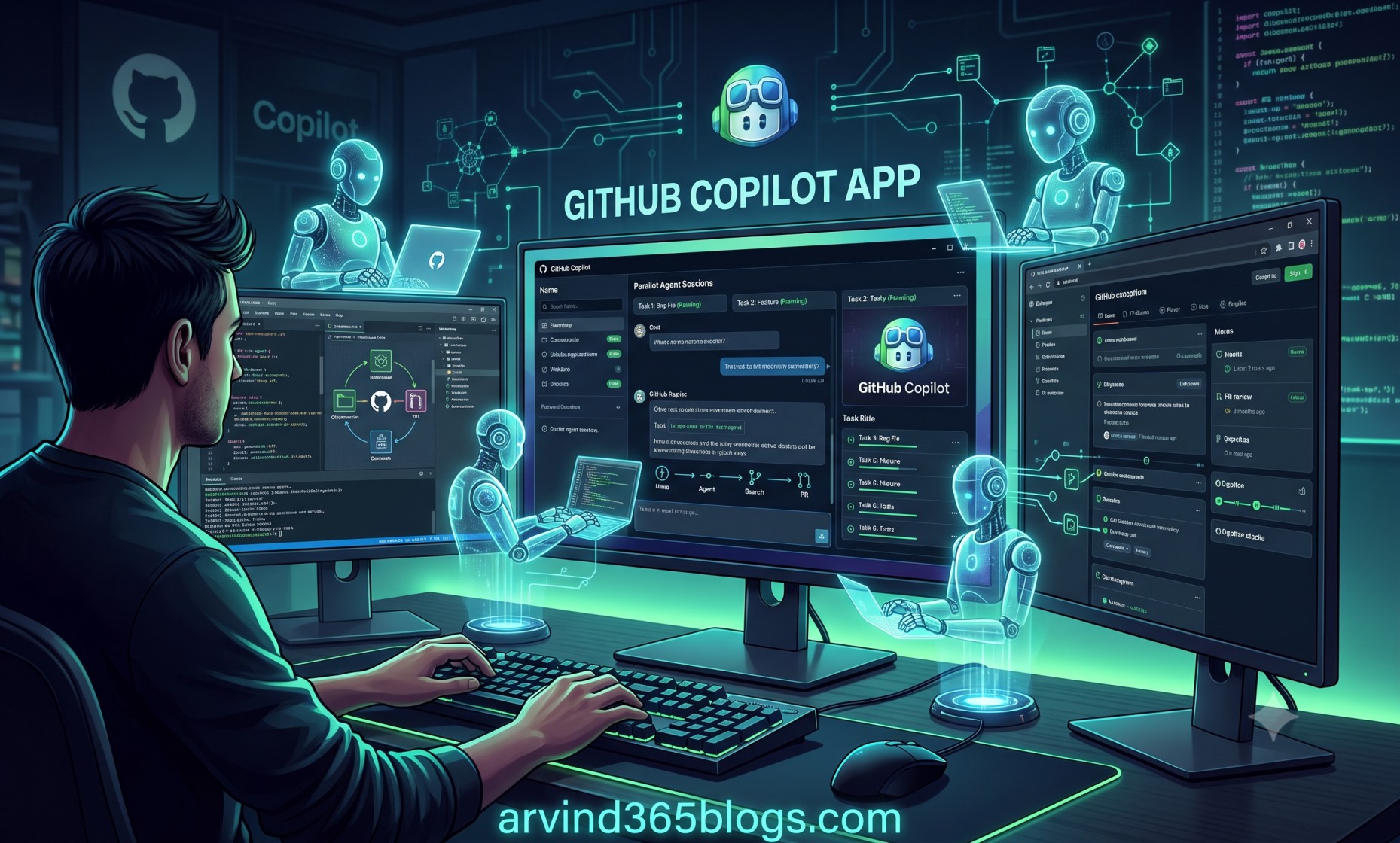
One of the most interesting capabilities is the ability to work on multiple tasks in parallel.
Each agent session can have its own workspace, branch and task. This means a developer can ask one agent to work on a bug while another works on a feature or test.
Task 1 → Agent → Branch → Changes
Task 2 → Agent → Branch → Changes
Task 3 → Agent → Branch → Changes
Instead of waiting for one task to finish, developers can manage several workstreams at the same time.
Different ways to work with agents
The GitHub Copilot app provides different session modes depending on how much control you want to give the agent.
Interactive
Work collaboratively with the agent and provide guidance as the task progresses.
Plan
Ask the agent to create a plan first and review the approach before implementation.
Autopilot
Let the agent work more independently when the task is well defined.
This gives developers an important choice: how much autonomy should the AI have?
From issue to pull request
The workflow can be quite simple.
Issue → Agent Session → Branch → Code → Test → Review → Pull Request → CI → MergeYou can start from a GitHub issue or a blank workspace. The agent can create a branch, work on the code and run tests.
After that, you can review the changes, provide feedback, create a pull request, check CI results and merge the changes - all from the same application.
For me, this is where the Copilot app becomes more than just a coding assistant. It starts connecting development activities into one continuous workflow.
Choosing the right model
The app also allows developers to choose from multiple models and adjust reasoning effort for a session.
A simple task may not need the most powerful model. For complex debugging, architecture decisions or multi-step work, a higher-capability model may be more useful.
Use the right level of AI capability for the task.
Start with a chat
Not every idea needs a full agent session immediately. The app provides a chat experience that can be used to explore an idea, clarify requirements or think through a problem before starting a dedicated workspace.
This can help reduce unnecessary rework because the developer can first understand the problem and then ask an agent to execute the well-defined task.
More than code generation
The GitHub Copilot app includes several capabilities beyond writing code.
- Work with GitHub issues and pull requests.
- Run multiple agent sessions in parallel.
- Review changes and CI results.
- Use MCP servers and agent skills.
- Create recurring agent automations.
- Use chats and session history.
- Collaborate with agents using canvases.
Keep humans in control
More agent autonomy does not mean less human responsibility.
Developers still need to define the problem, select the appropriate approach, review changes and decide whether the result is ready to merge.
Let the agent do more work, but keep the developer responsible for the outcome.
A simple way to think about it
I see the GitHub Copilot app as moving AI assistance from individual coding tasks towards AI-assisted software delivery.
Idea → Issue → AI Agent → Development → Testing → Pull Request → CI → ReleaseTraditionally, developers use different tools for many of these steps. The Copilot app brings more of these activities into one surface and allows AI agents to participate throughout the process.
Why I find this interesting
From a product and technology perspective, I find the shift from AI code completion to AI agents working across the development lifecycle particularly interesting.
The developer's role starts changing from writing every line of code to directing, reviewing and making decisions while AI agents handle more of the implementation work.
This does not remove the need for engineering skills. Instead, it makes understanding requirements, architecture, testing, security and business value even more important.
Final thoughts
The GitHub Copilot app is an interesting step towards agent-driven software development.
Its biggest value is not simply that an AI can write code. It is that multiple AI agents can work on different tasks while GitHub issues, branches, pull requests and CI remain connected in the same workflow.
The key idea is simple:
Don't just ask AI to write code. Give AI a task, guide the work, review the result and let it become part of your development workflow.
For me, the future of software development looks increasingly like a collaboration between developers and AI agents - with humans still making the important decisions.