April 22, 2026 | Power Apps | 4 min read
Power Apps 2026 Wave 1: Enable online mode to access Dataverse for Canvas apps
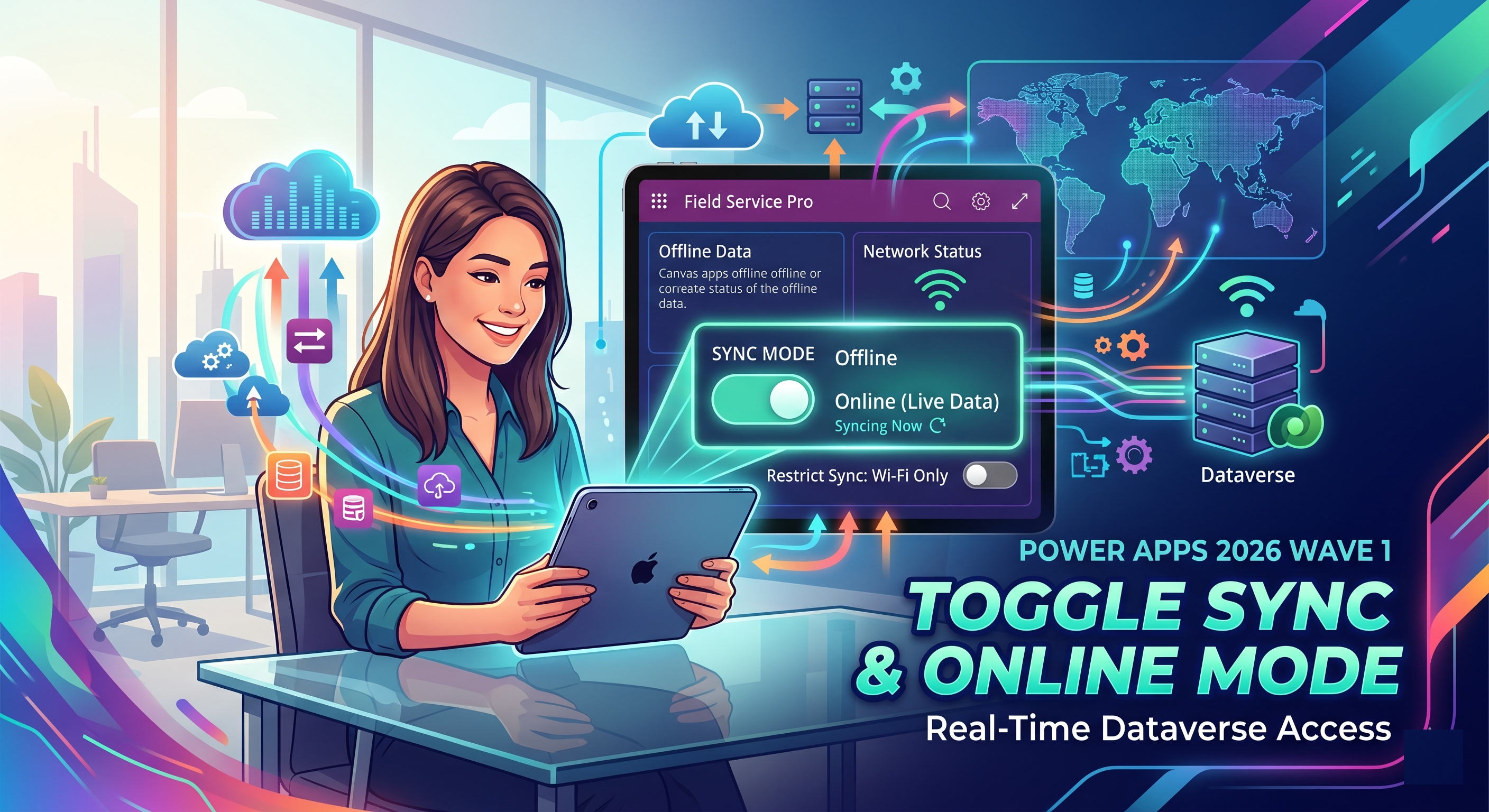
The 2026 Release Wave 1 for Power Apps introduces a highly practical enhancement for makers building offline-first applications - the ability to toggle between offline and online modes seamlessly along with improved control over synchronization behavior. This feature is especially valuable for mobile and field-based users who often deal with inconsistent connectivity.
What’s the Feature?
With this update, users can switch between offline and online modes directly from the app, giving them control over how data is accessed and synced.
- Toggle Online Mode ON to access real-time Dataverse data.
- Toggle OFF to continue working with offline data.
- Default mode is offline, ensuring reliability in low connectivity scenarios.
Why It Matters
👉 Real-time Data Access
Switching to online mode allows users to instantly connect to live Dataverse data without waiting for sync cycles.
- Immediate updates from the server
- Better decision-making with fresh data
👉 Reduced Mobile Data Usage
Users can control when synchronization happens, especially when combined with Wi-Fi only sync settings.
- Avoid unnecessary mobile data consumption
- Sync only when connected to Wi-Fi
👉 Flexible User Experience
This feature provides flexibility for users to decide how they want to interact with the app based on their environment.
- Work offline in low connectivity areas
- Switch online instantly when network is available
How It Works
- App opens in offline mode by default
- User enables online mode via settings
- App connects directly to Dataverse for real-time data
- Mode preference is remembered for next session
If connectivity is lost, the app gracefully prompts users to switch back to offline mode, ensuring uninterrupted usage.
Use Cases
- Field service engineers working in remote areas
- Sales teams needing real-time customer data
- Warehouse and logistics applications
- Any mobile workforce scenario with fluctuating connectivity
Conclusion
The introduction of toggleable online mode in offline-first canvas apps significantly improves usability and performance. It bridges the gap between offline reliability and real-time connectivity, giving users complete control over their experience.
Combined with Wi-Fi-only sync capabilities, this feature makes Power Apps even more efficient and user-friendly for modern business scenarios.
- Enabled for : Users by admins, makers, or analysts
- Public Preview : April 2026
- General Availability : May 2026