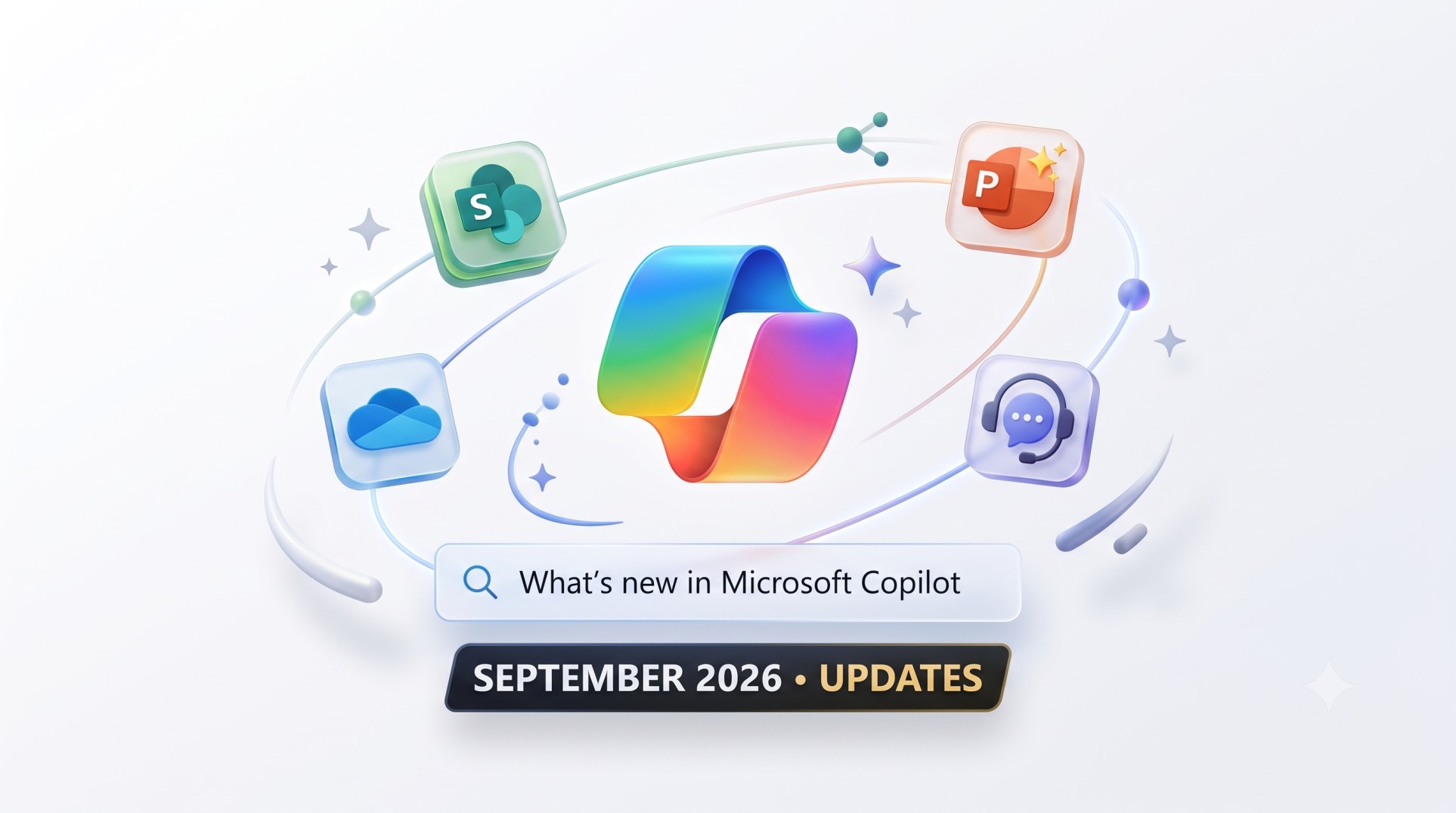
October 6, 2026 | Microsoft Copilot & AI Updates | 4 min read
What’s New in Microsoft Copilot (September 2026): Key Updates You Need to Know
Microsoft has rolled out its September 2026 update for Microsoft Copilot, bringing a wave of practical enhancements across everyday Microsoft 365 apps, file management and enterprise governance.
Here is a short, simple breakdown of the most impactful features introduced this month:
1. Smarter & Faster Copilot Chat
- Inline Agents & Skills: You can now summon specialized tools directly inside your chat prompt without breaking your train of thought-simply type '/' for agents or '@' for skills.
- Scanned PDF Search: Copilot can now match and extract relevant answers directly from scanned PDF files.
- Refreshed Interface: Copilot experiences across Teams and Outlook received a cleaner, unified design that makes organizing chats and work simpler.
2. Copilot in SharePoint & OneDrive Hits General Availability
- Native SharePoint Intelligence: Copilot in SharePoint is now generally available, enabling teams to create pages, generate automatic metadata, build reusable process skills and run natural-language site analytics.
- Unified OneDrive Experience: OneDrive now shares the same AI engine as SharePoint, offering consistent file summarization, search and content generation wherever your documents are stored.
- Copilot Search: Natural-language, AI-grounded search is rolling out as the default experience across both SharePoint and OneDrive.
3. Big Upgrades for Presentations & Documents
- PowerPoint Skills & Connectors: Instead of typing long, complex prompts, you can now use reusable Skills (like Explain this presentation or Sharpen slide titles) to refine slide decks. Connectors also let you pull live enterprise data directly into your slides.
- Word Citations & Layouts: Copilot in Word now includes transparent source citations for generated text and allows you to edit and arrange images and shapes directly through prompts.
- Copilot on Android: Mobile editing with Copilot in Word, PowerPoint and Excel has officially rolled out to Android devices.
4. Teams Phone Gets an AI Receptionist
- Teams Phone Agent: Front-desk and help-desk teams can now deploy an AI receptionist with support for over 60 languages. It handles common customer questions, books appointments and routes calls with an AI-generated summary so callers never have to repeat themselves.
5. Essential Controls for IT Admins
- Authoritative Sources: Admins can now designate up to 100 SharePoint sites as "Authoritative" in the Microsoft 365 admin center, ensuring Copilot prioritizes verified, official company content in search results.
- Targeted Pulse Surveys: Leaders can trigger dynamic surveys directly from the Copilot Dashboard to understand real employee sentiment and adoption trends.
The Takeaway
“The September 2026 updates show Copilot shifting from a basic prompt-and-response assistant into an integrated, agent-ready digital companion.”
With deeper file-system intelligence, reusable presentation skills and centralized admin controls, AI in Microsoft 365 is becoming significantly easier to adopt and manage securely.