April 23, 2026 | Power Apps | 3 min read
Power Apps 2026 Wave 1: Enforce Modern, Refreshed Look in Model-Driven Apps
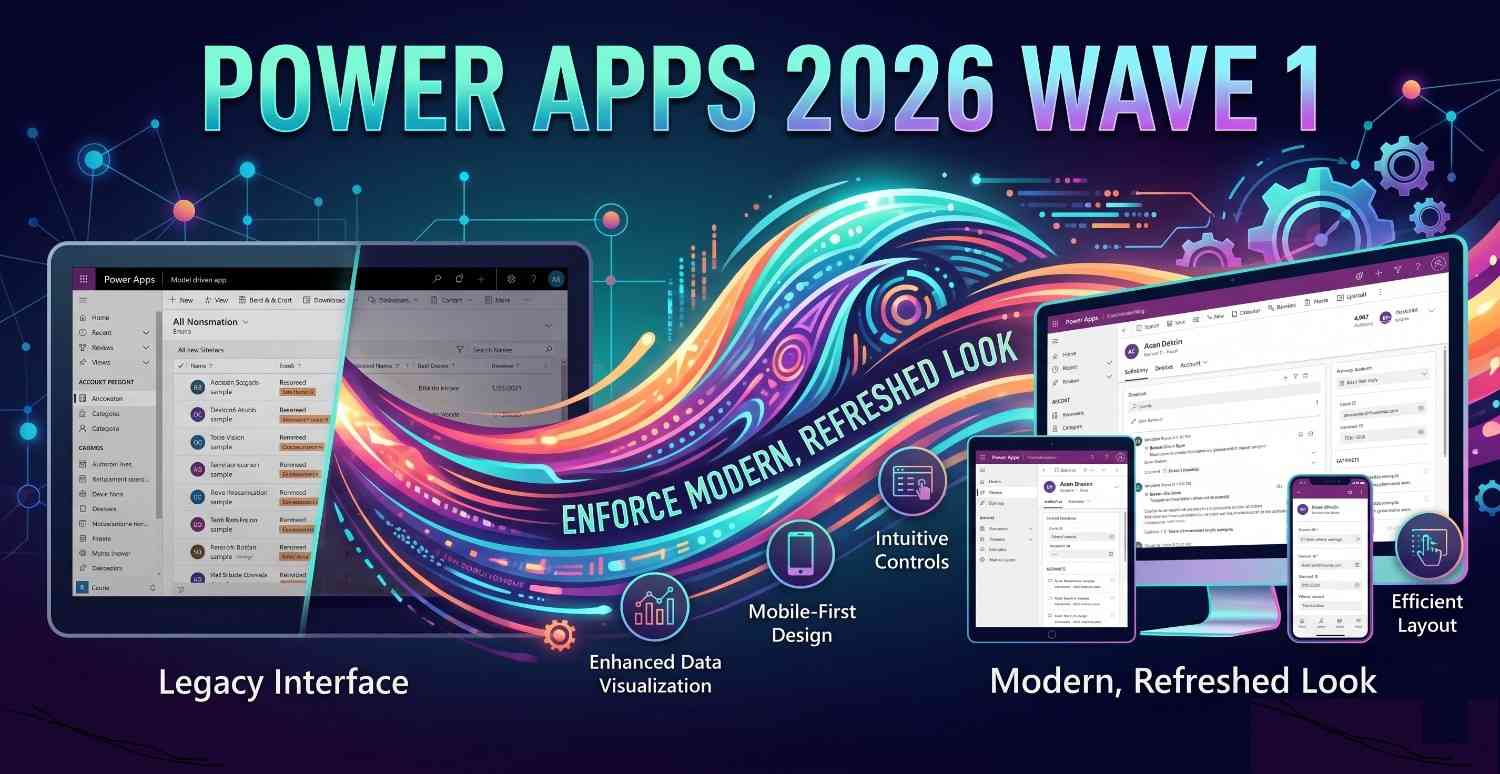
The Power Apps 2026 Release Wave 1 introduces a major user experience update for model-driven apps - the modern, refreshed look is now mandatory. This change standardizes the UI across all apps, improves usability and sets the foundation for future enhancements.
What’s Changing?
- Classic UI is removed
- "New Look" toggle is no longer available
- All users experience the modern UI by default
In simple terms, there is no option to switch back. The modern experience is now standard across all model-driven apps.
What is the Modern, Refreshed Look?
The modern UI is built using Microsoft’s Fluent design system, offering a cleaner and more consistent interface.
- Improved layout and spacing
- Better readability
- Consistent controls across apps
- Enhanced accessibility and responsiveness
Why It Matters
👉 Consistent User Experience
All users now interact with the same interface, reducing confusion and simplifying training.
- Standardized UI across environments
- Improved user adoption
👉 Simplified Governance
Admins and makers no longer need to manage UI settings or toggles.
- Reduced configuration overhead
- Lower support and maintenance effort
👉 Ready for Future Enhancements
The modern UI enables faster innovation and better integration with upcoming features like Copilot and AI experiences.
Impact on Makers & Admins
While the change is primarily visual, it’s important to prepare for the transition:
- Update training materials and documentation
- Refresh screenshots in guides
- Review any UI-dependent customizations
The good news is:
- ✅ No impact on business logic
- ✅ No impact on data or security
- ✅ Existing apps continue to work
Conclusion
The enforcement of the modern look marks a key milestone for model-driven apps. It ensures a consistent, modern and future-ready experience across the Power Platform.
While minor adjustments may be needed, the long-term benefits in usability, governance and innovation make this a welcome change for both users and makers.
- Enabled for : Users, automatically
- Public Preview : April 1, 2026
- General Availability : April 1, 2026