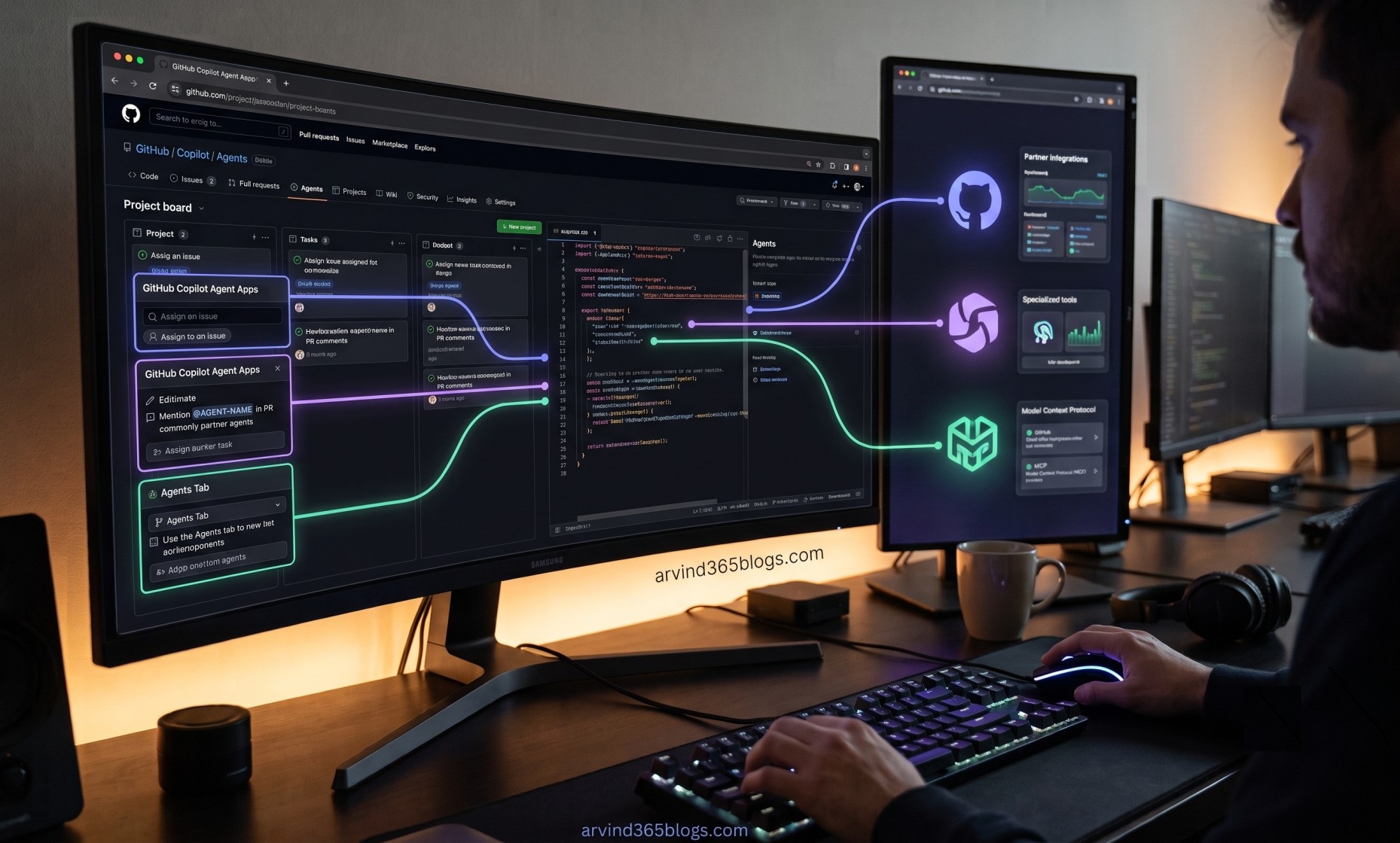
GitHub Copilot Agent Apps: Bringing Partner Agents into Your Development Workflow
AI coding assistants are moving beyond helping developers write code. The next step is delegation - giving an AI agent a task and allowing it to use the right tools and services to complete that task.
GitHub Copilot Agent Apps bring this idea directly into GitHub. They allow partner-built agents to work inside your GitHub workflow, alongside Copilot cloud agent and other third-party agents.
In simple terms, an agent app connects an external partner's specialized AI agent with GitHub so that a developer can delegate a task without leaving the development workflow.
What Are Agent Apps?
An agent app is a GitHub App that exposes an agent on GitHub. Partner organizations can build these apps to bring their own tools, services and AI capabilities into your development workflow.
Agent apps are powered by GitHub Copilot cloud agent. This means they can participate in the same kind of delegated workflow where you give an agent a task instead of performing every step manually.
GitHub Workflow
      ↓
Agent App
      ↓
Partner Agent + Model + Tools
      ↓
Partner Services / MCP
      ↓
Task Result
For example, an agent app could analyze product analytics, scan an application for security vulnerabilities or add feature flags to a pull request and then connect back to the partner's systems to complete the task.
Where Can You Use Agent Apps?
GitHub provides several entry points for starting an agent app. This makes agent-based work feel like a natural part of the existing development process.
An agent app can be assigned to an issue in a repository. Instead of only creating a task for a developer, you can delegate supported work to an agent.
You can mention the agent using @AGENT-NAME in a pull request comment and ask it to make changes.
From the Agents tab or panel, you can select an available agent app and start a task using a natural-language prompt.
These entry points make agent apps feel less like a separate AI product and more like another participant in the GitHub development workflow.
How Does an Agent App Work?
Behind the scenes, an agent app is more than a simple chatbot. Each agent app can define its own prompt, model, tools and Model Context Protocol (MCP) servers.
Agent App
   ├── Custom Agent
   ├── Prompt
   ├── Model
   ├── Tools
   └── MCP Servers
           ↓
     Partner Systems
MCP servers allow an agent app to connect with the partner's own systems. GitHub uses a JWT assertion to authorize these MCP connections, helping the partner identify the relevant account and agent app without requiring you to manage additional credentials.
The important shift is from “AI that answers” to “AI that can connect, act and complete a task.”
Authorization and Installation
Agent apps require explicit setup. The GitHub App must be installed on your personal account or organization and its agent features must be enabled.
- First use: GitHub asks you to authorize the app through an OAuth flow before the agent runs.
- Organization: If the app is installed in an enterprise-owned organization, an administrator may also need to enable the Agent apps Copilot policy.
- Models: Agent apps generally use the models enabled for the account or organization, subject to enterprise model-access settings.
- Billing: Agent app sessions use Copilot AI credits in the same way as Copilot cloud agent.
Why This Matters for Developers
Traditional development workflows often require developers to move between GitHub, security platforms, analytics systems, feature-management tools and other specialized services.
Agent apps can reduce that context switching by bringing specialized agents into the place where development work is already being planned and reviewed.
Traditional:
GitHub → External Tool → Analyze → Make Changes → Return to GitHub

Agent App:
GitHub → Delegate Task → Agent Works → Result in Workflow
The real productivity gain is not simply generating more code. It is the ability to delegate specialized work to an agent that has access to the appropriate tools and partner services.
From Copilot to an Agent Ecosystem
This is an important evolution in the Copilot experience. Developers can already use Copilot for suggestions, conversations and cloud-based development tasks. Agent apps extend this model by allowing specialized partner agents to participate in the same workflow.
From a product and technology perspective, this creates an ecosystem where GitHub becomes not only a place to store source code, but also a place where different AI capabilities can be orchestrated around software delivery.
“AI assistant” ➔ “Cloud agent” ➔ “Specialized agent ecosystem”
Agent apps are a step toward a development model where humans define the outcome, while specialized AI agents handle more of the execution.
Things to Keep in Mind
Agent apps are currently in public preview, so capabilities and behavior may change.
Teams should also consider authorization, organization policies, model access, AI credit consumption and the permissions required by each partner app before enabling it in an enterprise workflow.
Final Thoughts
GitHub Copilot Agent Apps show how AI development is evolving from a single assistant into a broader ecosystem of specialized agents.
The interesting part is not simply that another AI agent becomes available. It is that the agent can enter the developer's existing workflow through issues, pull requests and the Agents experience, while connecting to specialized partner systems when needed.
For developers and product teams, this opens an exciting direction: delegate the task, let the right agent execute it and keep humans focused on intent, quality and business value.
The future of AI-assisted development is not one agent doing everything - it is the right agent doing the right job, inside the workflow where the work already happens.